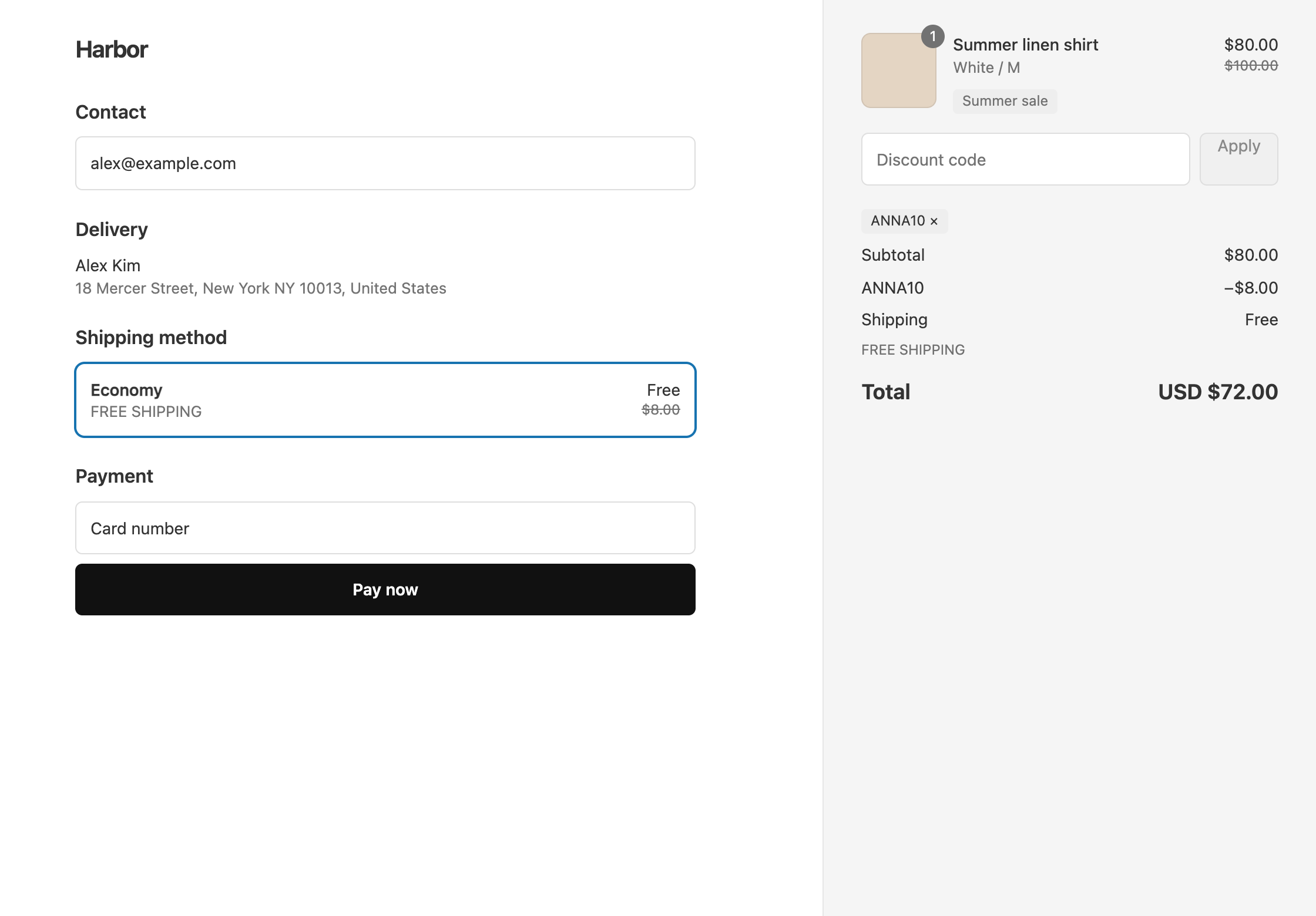
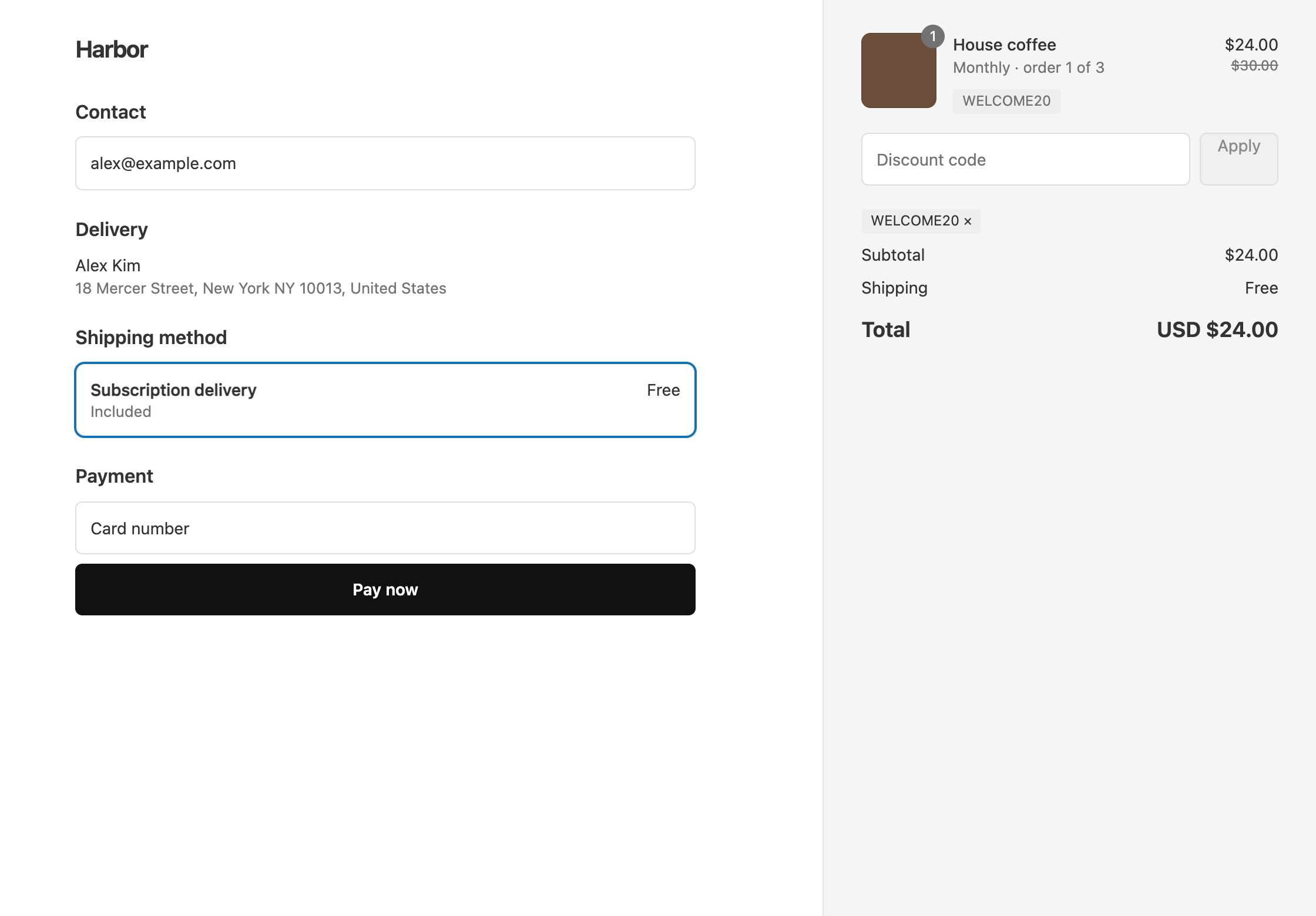
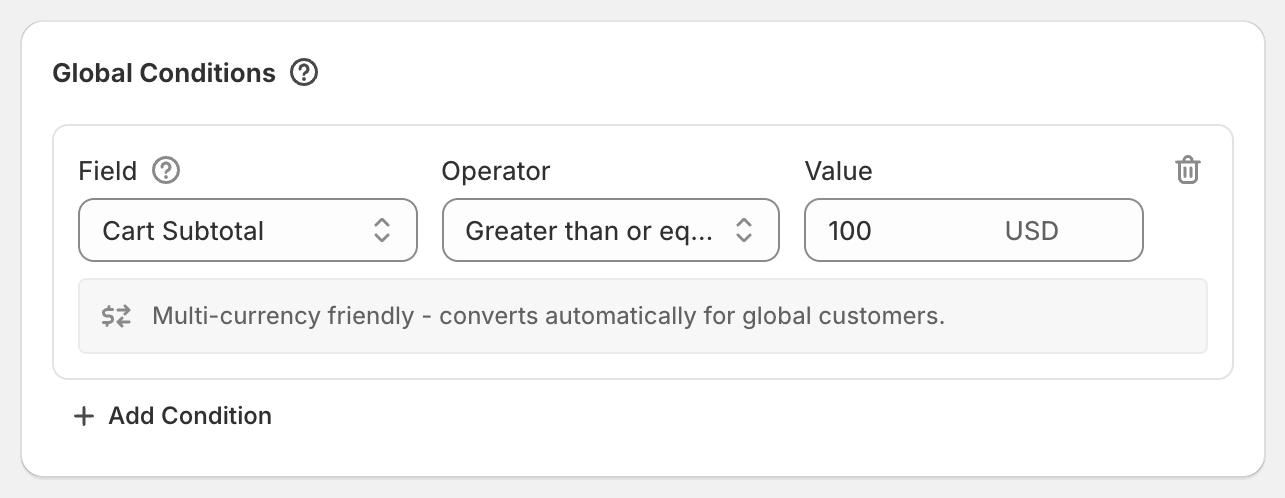
A discount code applies only when the customer types it in the cart or at checkout. An automatic discount applies by itself to every customer who meets its conditions, with nothing to type. Use a code when the offer is for specific people, such as an email list, a creator’s audience, or a VIP, or when you need to cap how many times it is used. Use an automatic discount when everyone who qualifies should get it, such as a sitewide sale or a buy more, save more tier.
OneCode: Stackable Discounts supports both methods, and either one can hold a product discount, an order discount, and a shipping discount at the same time. You choose the method when you create the discount, and you can’t change it after you save. To switch, create a new discount with the other method and the same settings, then delete the old one.
The differences that matter
| Discount code | Automatic discount | |
|---|---|---|
| How it applies | The customer types the code | Applies by itself when the conditions are met |
| Name customers see | The code | The Title you enter |
| Usage limits | Total uses and once per customer | None |
| Bulk codes | Yes, after the first save | No |
| Subscriptions, by default | First order only | Every renewal |
Discount code
Under Discount Method, choose Discount code. Type your own code or click Generate for a random 12-character code. The code is also the discount’s name in OneCode, on Shopify’s Discounts page, and at checkout.
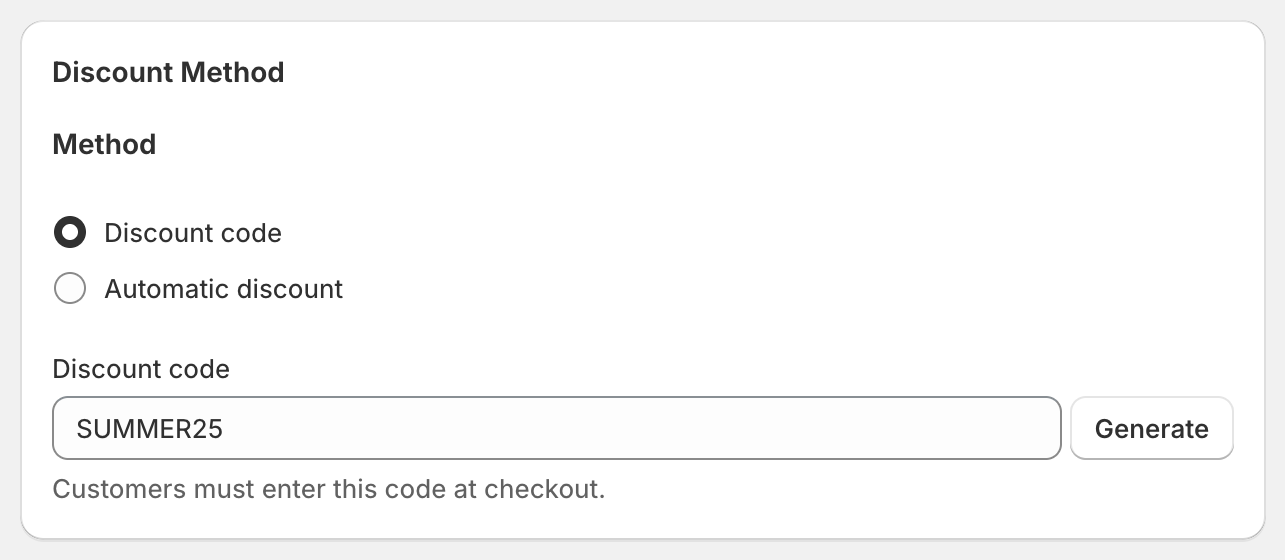
Only codes have Maximum discount uses, where you can limit the total number of uses and limit each customer to one use. Only codes can have Bulk Discount Codes, which give every customer or creator their own code with the same rules. See bulk discount codes.
Automatic discount
Under Discount Method, choose Automatic discount and enter a Title. Customers see the title in their cart and at checkout, so write it for them, for example “Buy more, save more”.
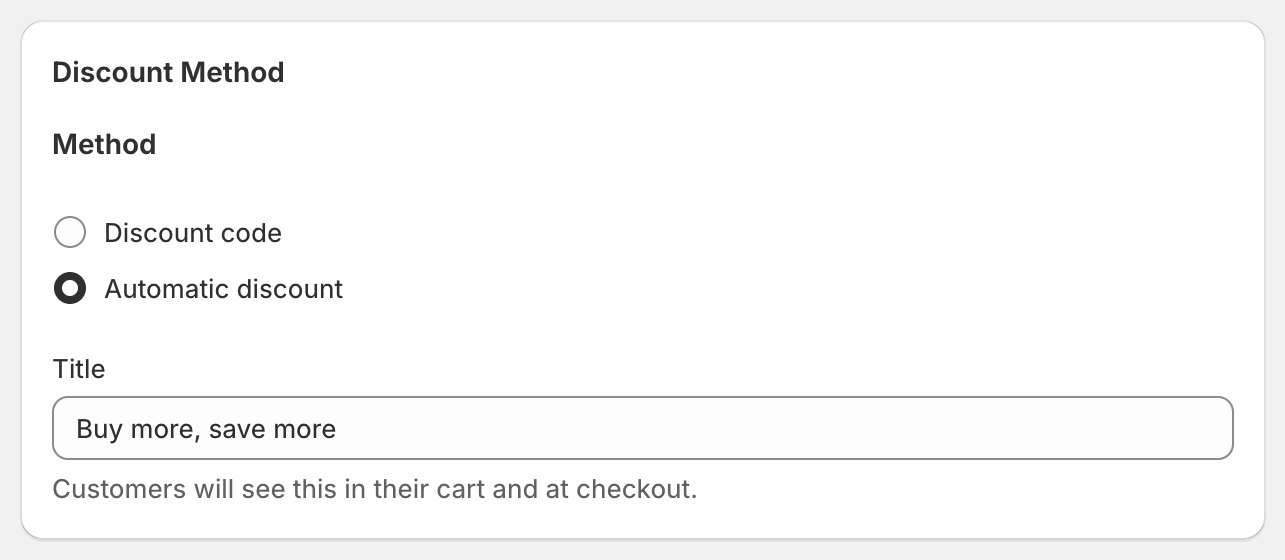
Automatic discounts have no usage limits, because there is no code to count. Shopify allows up to 25 active automatic discounts on a store at the same time, and that count includes automatic discounts from Shopify and from other apps.
Subscriptions
By default, a code applies to the first subscription order only, and an automatic discount applies to every renewal. You can change this on either method with Limit discount to specific recurring cycles. See subscription discounts.
Which method for which offer
- Welcome discount: a code, so you can limit it to one use per customer.
- Influencer codes: a code, with bulk codes so each creator gets their own code with the same rules.
- Buy more, save more: automatic, so every shopper sees the tiers without a code.
- VIP discount: automatic, so members do not have to type anything. A customer tag only works when the customer is logged in.
- Black Friday: a code if you want to share it through email and ads, or automatic if the whole store should be on sale.
OneCode costs $9.90 USD every 30 days after a 7-day free trial, billed by Shopify. Install it from the Shopify App Store.