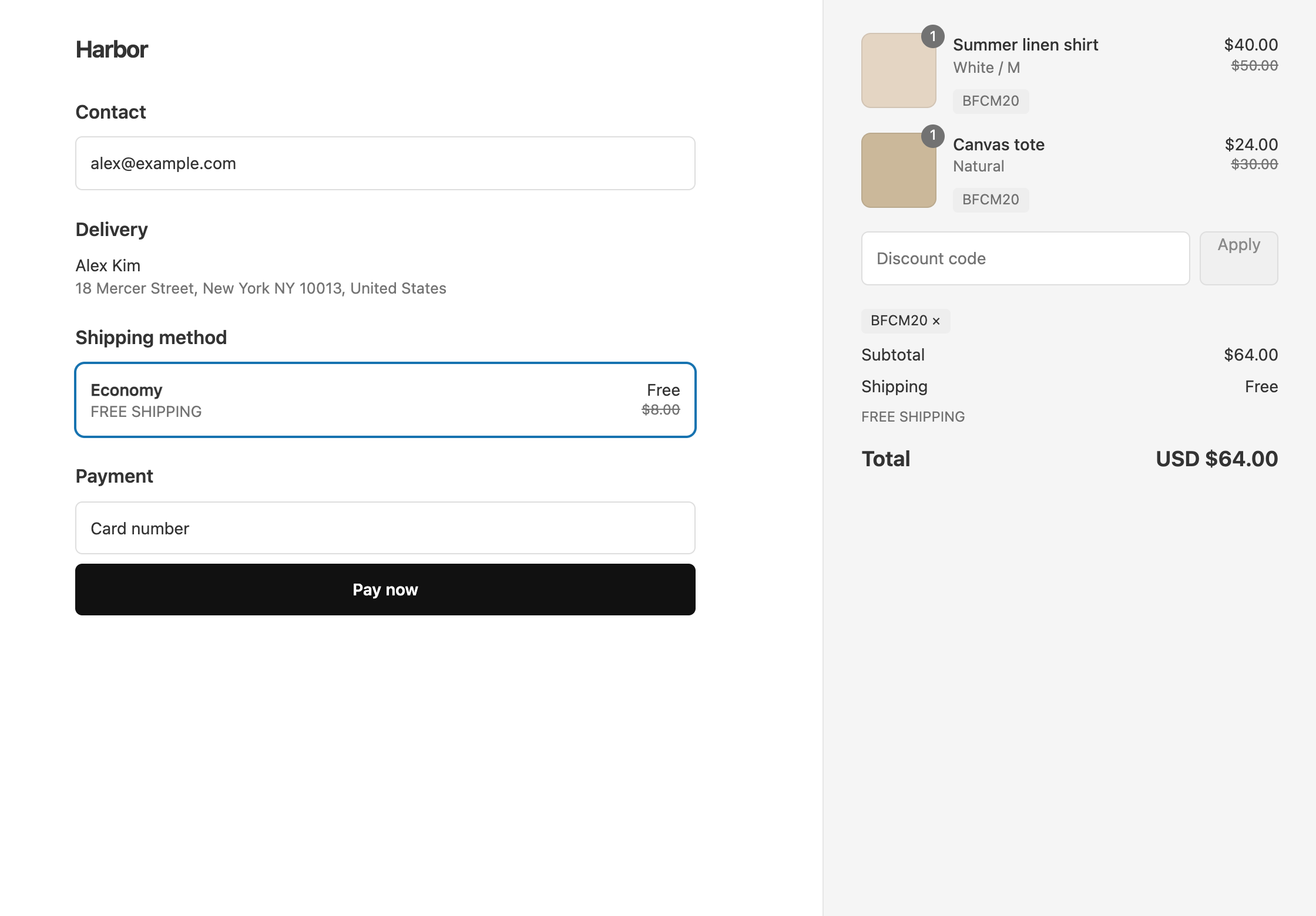
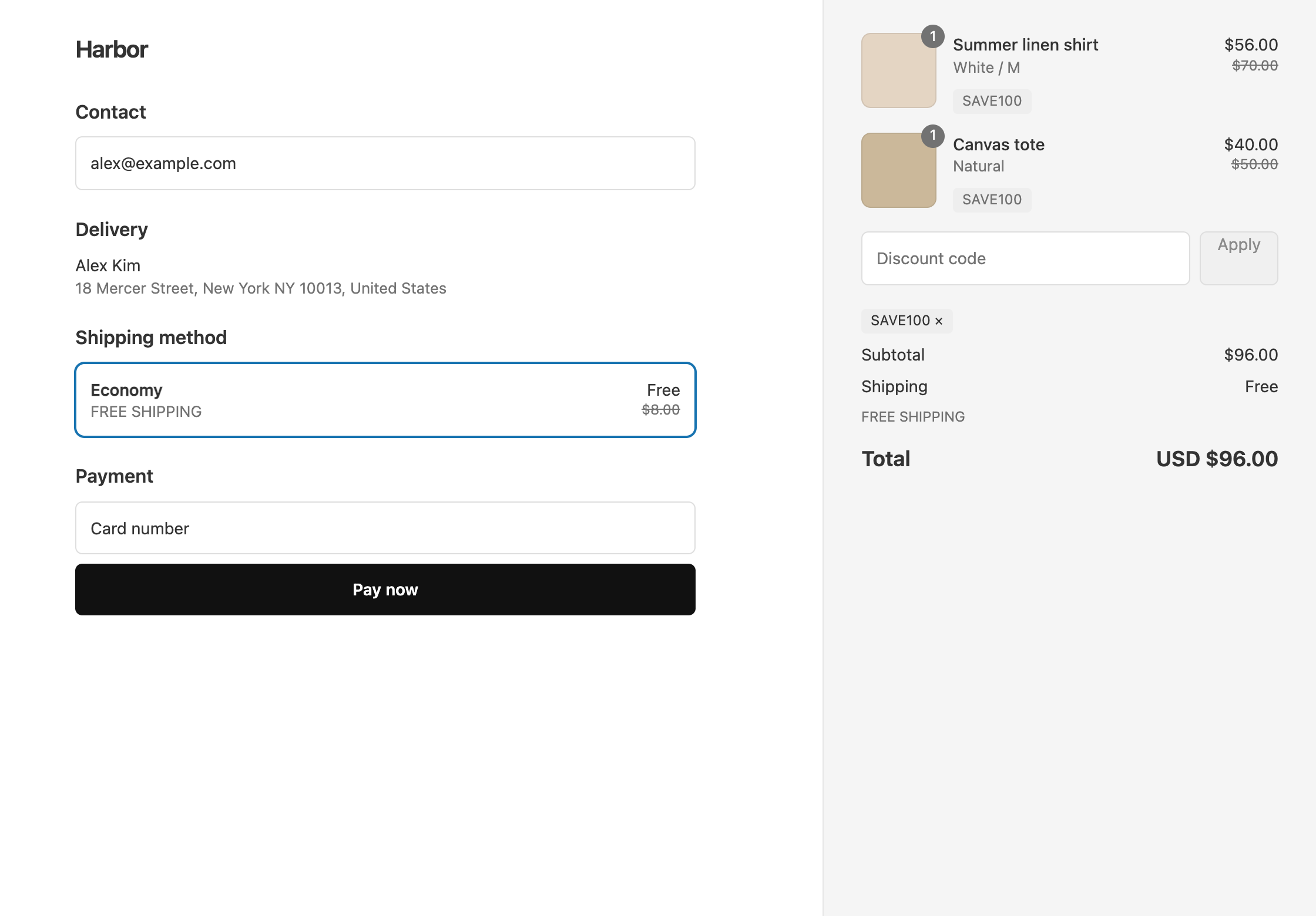
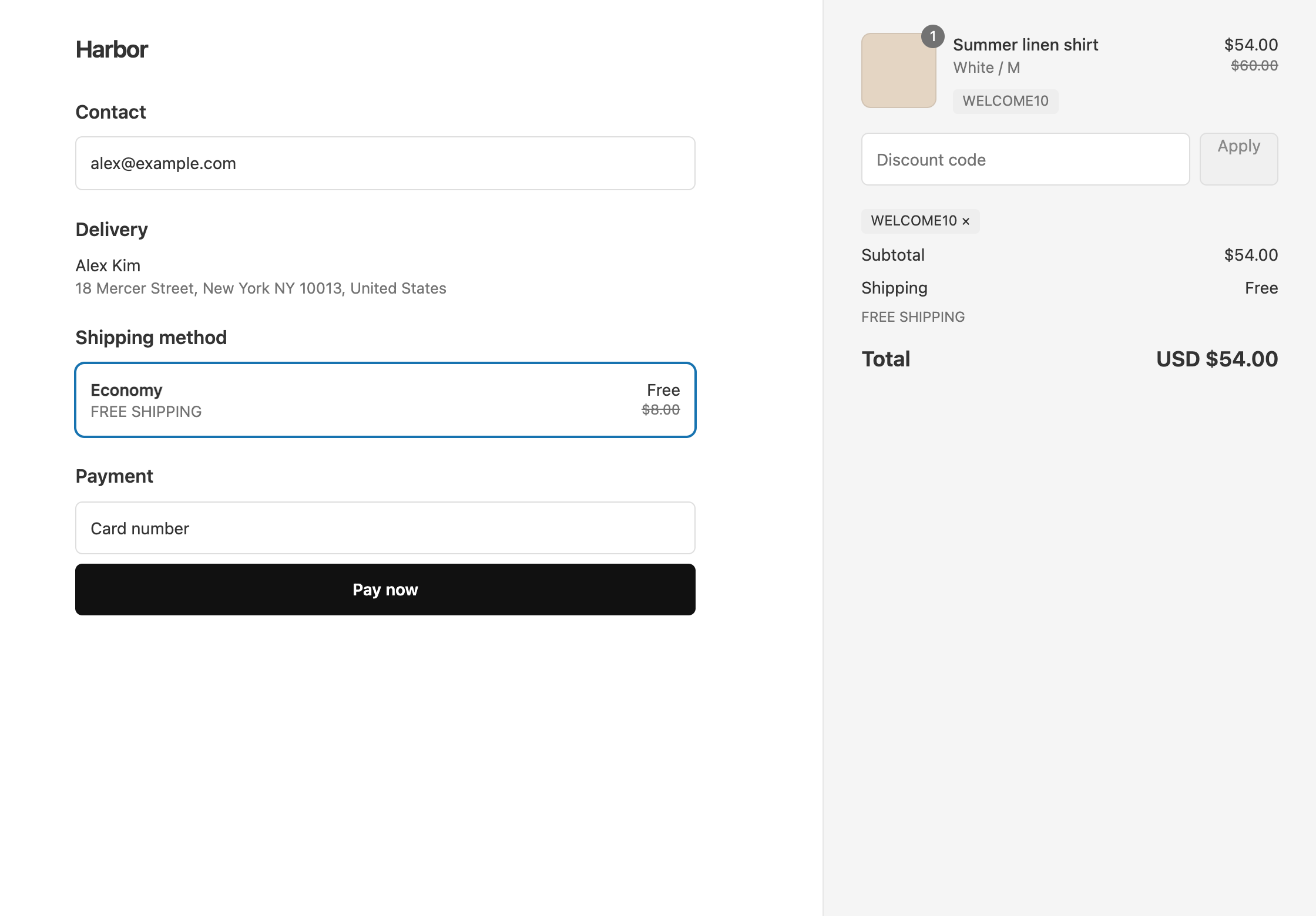
To make WELCOME10 give both 10% off and free shipping, put a 10% product discount and a free shipping discount on the same code, then tick Limit to one use per customer. To keep it to first orders only, add a customer segment of people who have not ordered yet.
A Shopify discount code holds one kind of discount, so with Shopify’s own codes a new subscriber would need two codes from your popup. OneCode: Stackable Discounts puts both on WELCOME10.
On a $60 first order, WELCOME10 takes $6 off and shipping is free, so the customer pays $54. If the same customer tries WELCOME10 again on a later order, it does not apply.
Set it up
- In OneCode, click Create discount, keep Discount code, and enter
WELCOME10. - Click Add Discount Type and enter
10in Percentage. Keep Discount Type as Product Discount and Target as All Products. - Click Add Discount Type, set Discount Type to Shipping Discount, and keep Free Shipping.
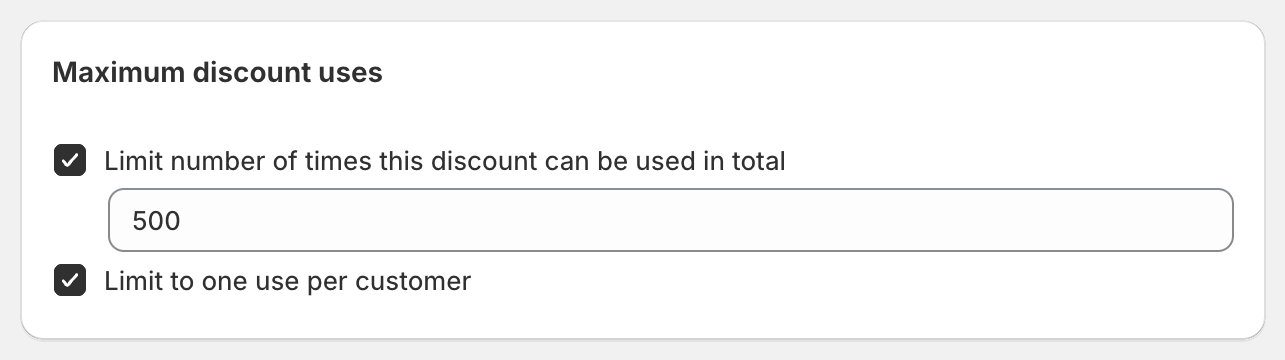
- In Maximum discount uses, tick Limit to one use per customer. You can also tick Limit number of times this discount can be used in total if you want a cap on total uses.
- Click Save discount, then put the code in your popup and welcome email.
First orders only
Limit to one use per customer stops a second use, but it does not check order history. An existing customer who has never used WELCOME10 can still use it once. To keep it to people who have never ordered:
- In Shopify admin, create a customer segment with the filter
number_of_orders = 0. - In OneCode, under Global Conditions, click Add Condition, set Field to Customer Segment, and pick that segment.
Shopify checks the segment at checkout using the customer’s account, or the email or phone number they enter. A new subscriber who has not ordered matches. A shopper with no customer profile in your store does not, so ask people to sign up to receive the code.
One code per subscriber
If you would rather each subscriber get their own code, create the discount with a total usage limit of 1, then generate single-use bulk codes and send one to each subscriber from your email tool. Guests can use these codes without logging in. This limits the offer to people who received a code, not to first orders. See bulk discount codes.
For the whole flow around the popup, the welcome email and the segment, see welcome campaigns.
OneCode costs $9.90 USD every 30 days after a 7-day free trial, billed by Shopify. Install it from the Shopify App Store.