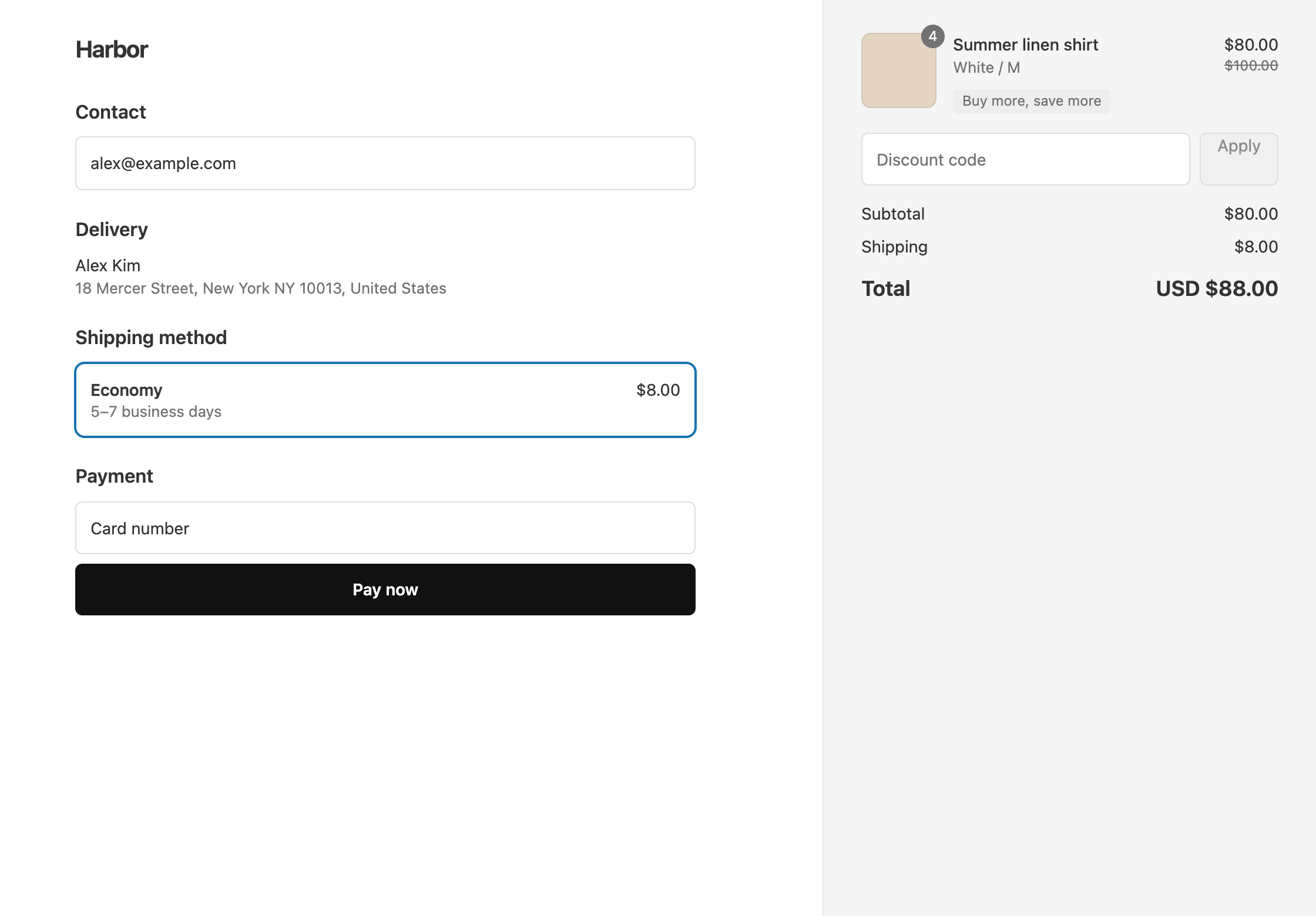
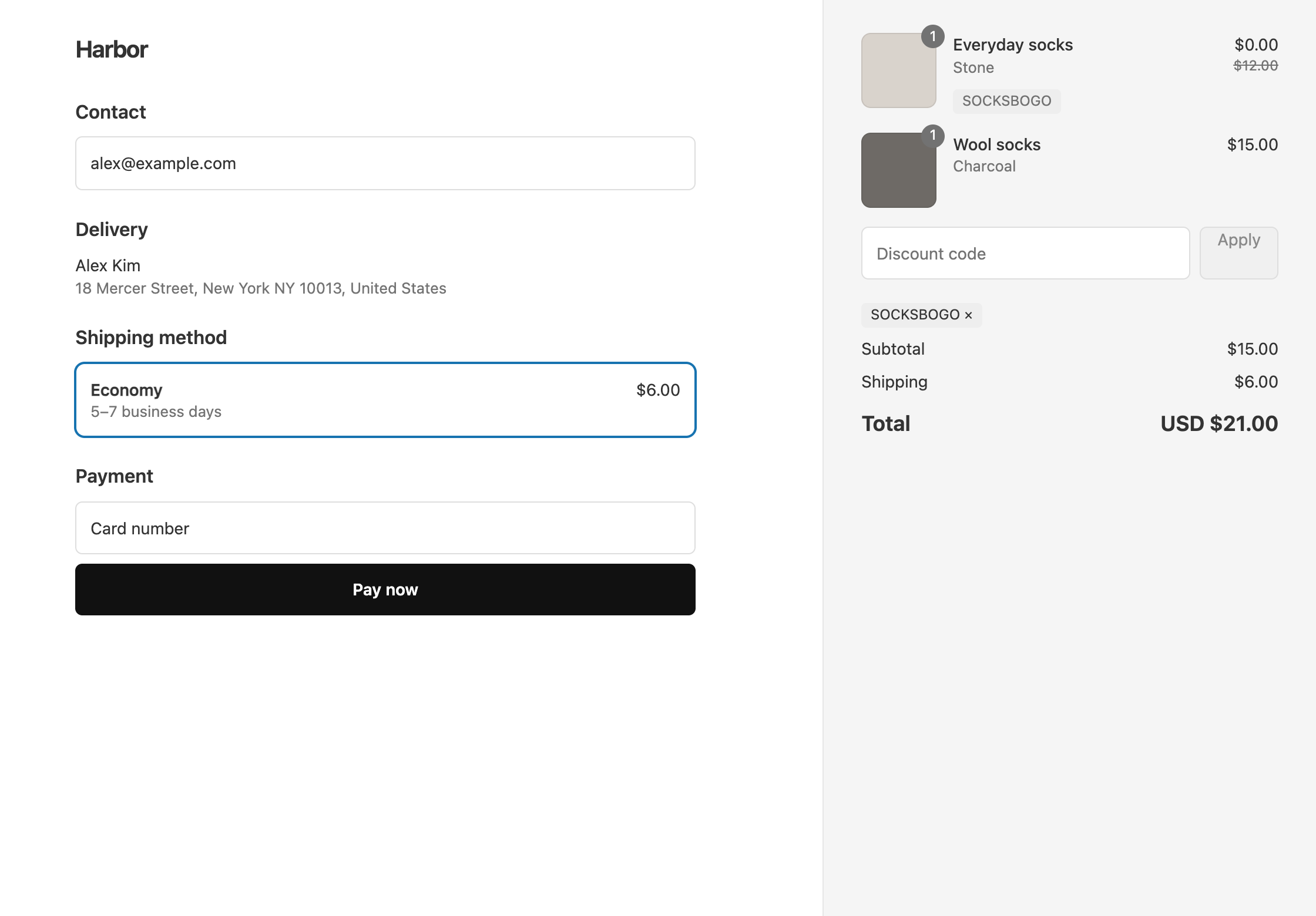
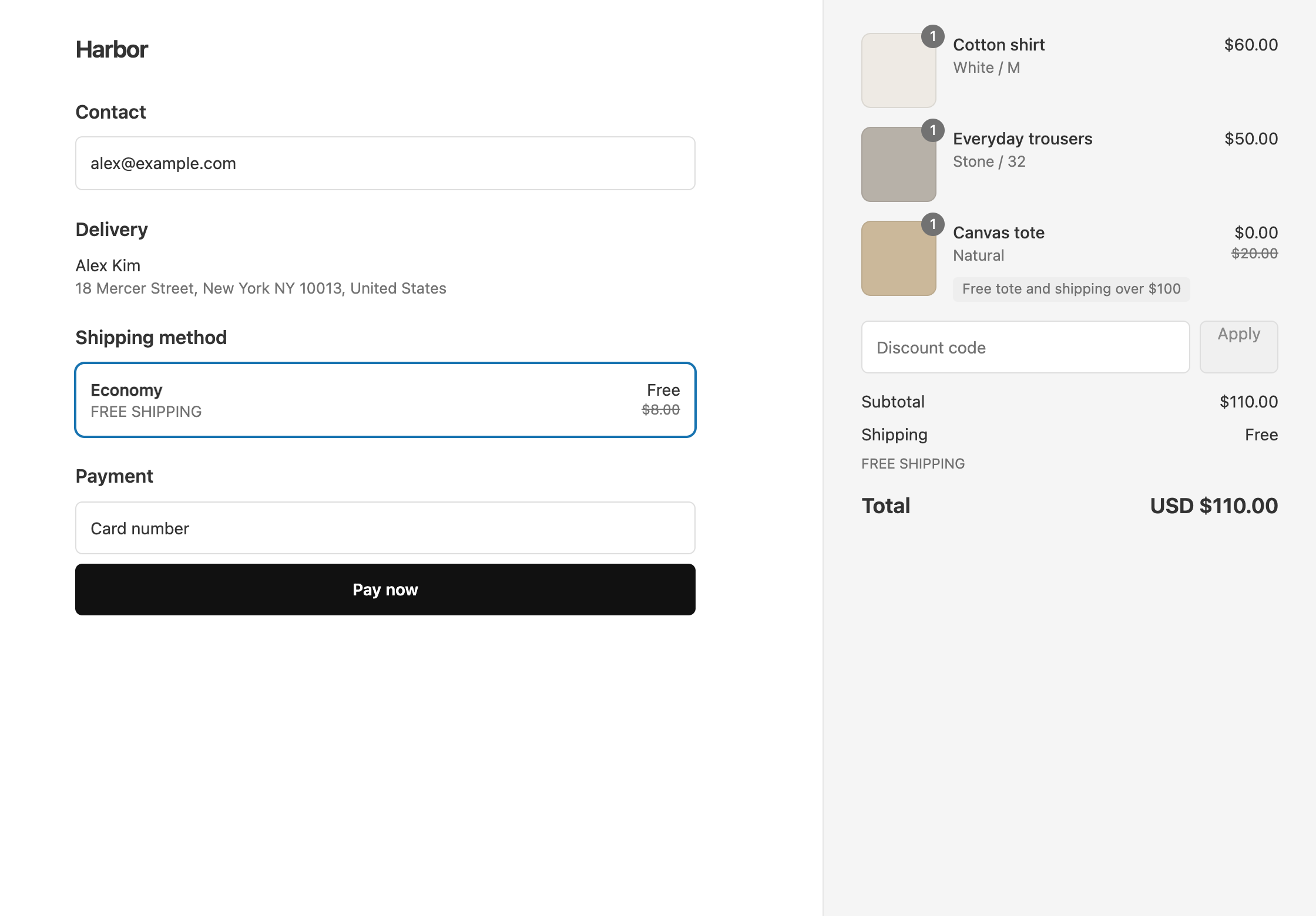
In Shopify’s own discounts, each tier is a separate discount. With OneCode: Stackable Discounts, every tier goes in one automatic discount, or one code. For 20% off, rising to 30% off from $300, add a 20% product discount with no condition and a 30% product discount that needs a cart subtotal of at least $300. Customers get the best tier they reach. The tiers don’t add up, so a $320 cart gets 30% off, not 50%.
What the customer gets
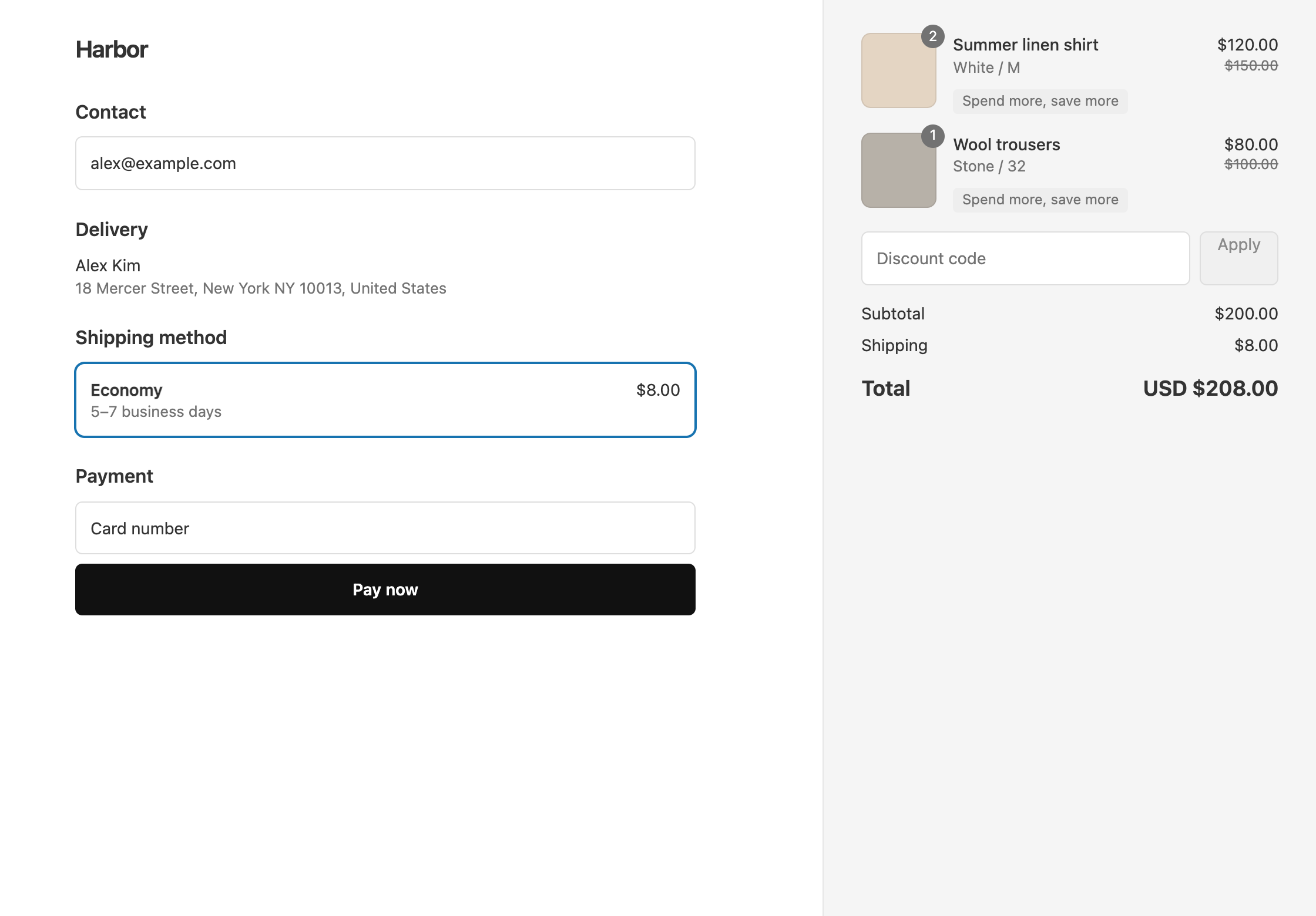
- A $250 cart gets 20% off, $50 saved. The items cost $200.
- A $320 cart gets 30% off, $96 saved. The items cost $224.
Shipping is charged as normal, $8 in these examples.
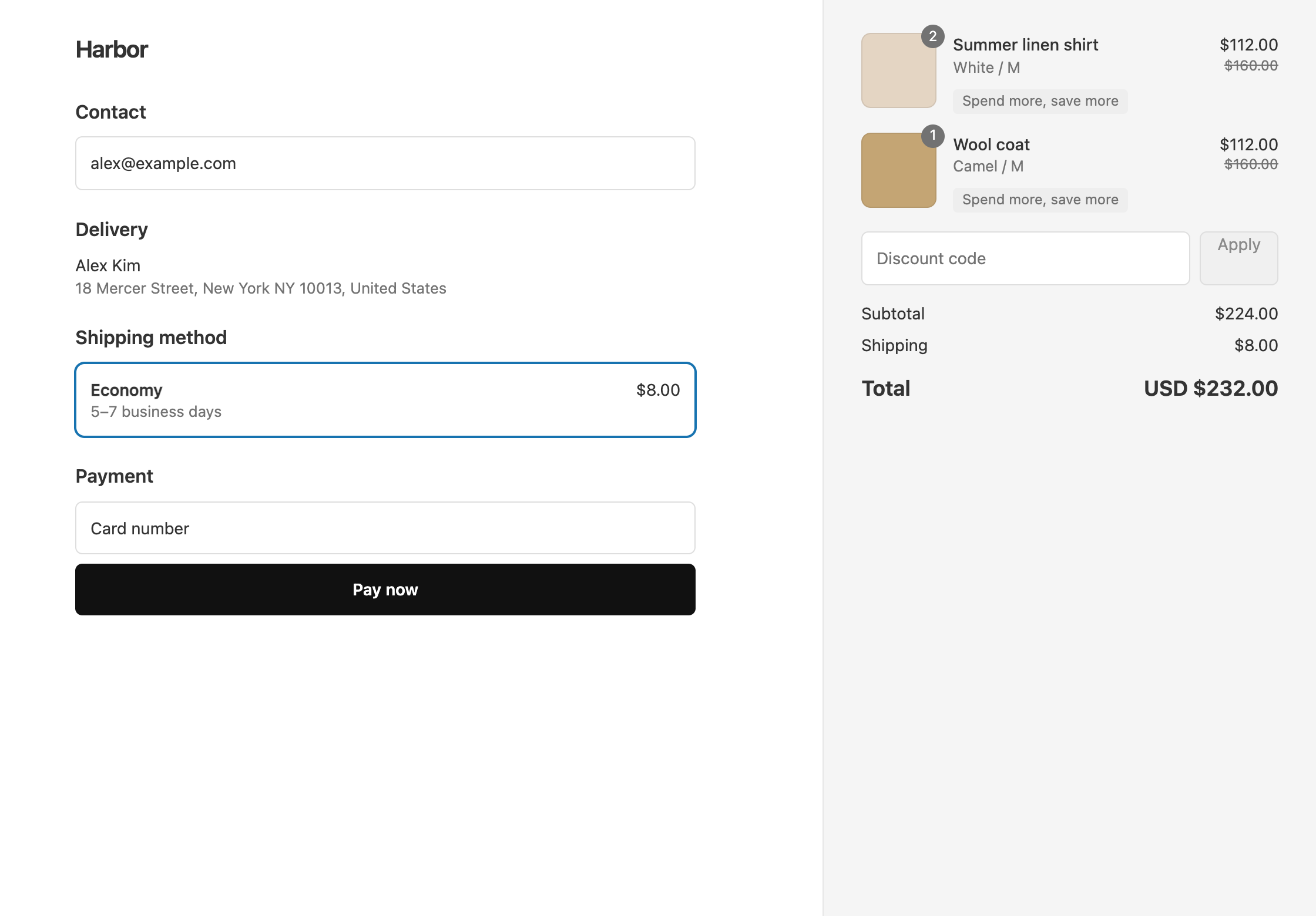
Set it up
- In OneCode, click Create discount and choose Automatic discount. Enter a Title such as
Spend more, save more. Customers see the title next to the discounted items in their cart and at checkout. Choose Discount code instead if customers should type a code. - Click Add Discount Type. Leave it as a Product Discount on All Products, and enter
20in Percentage. Add no condition. - Click Add Discount Type again and enter
30. Under its Per-Discount Conditions, click Add Condition. Set Field to Cart Subtotal, Operator to Greater than or equal to and Value to300. - Click Save discount.
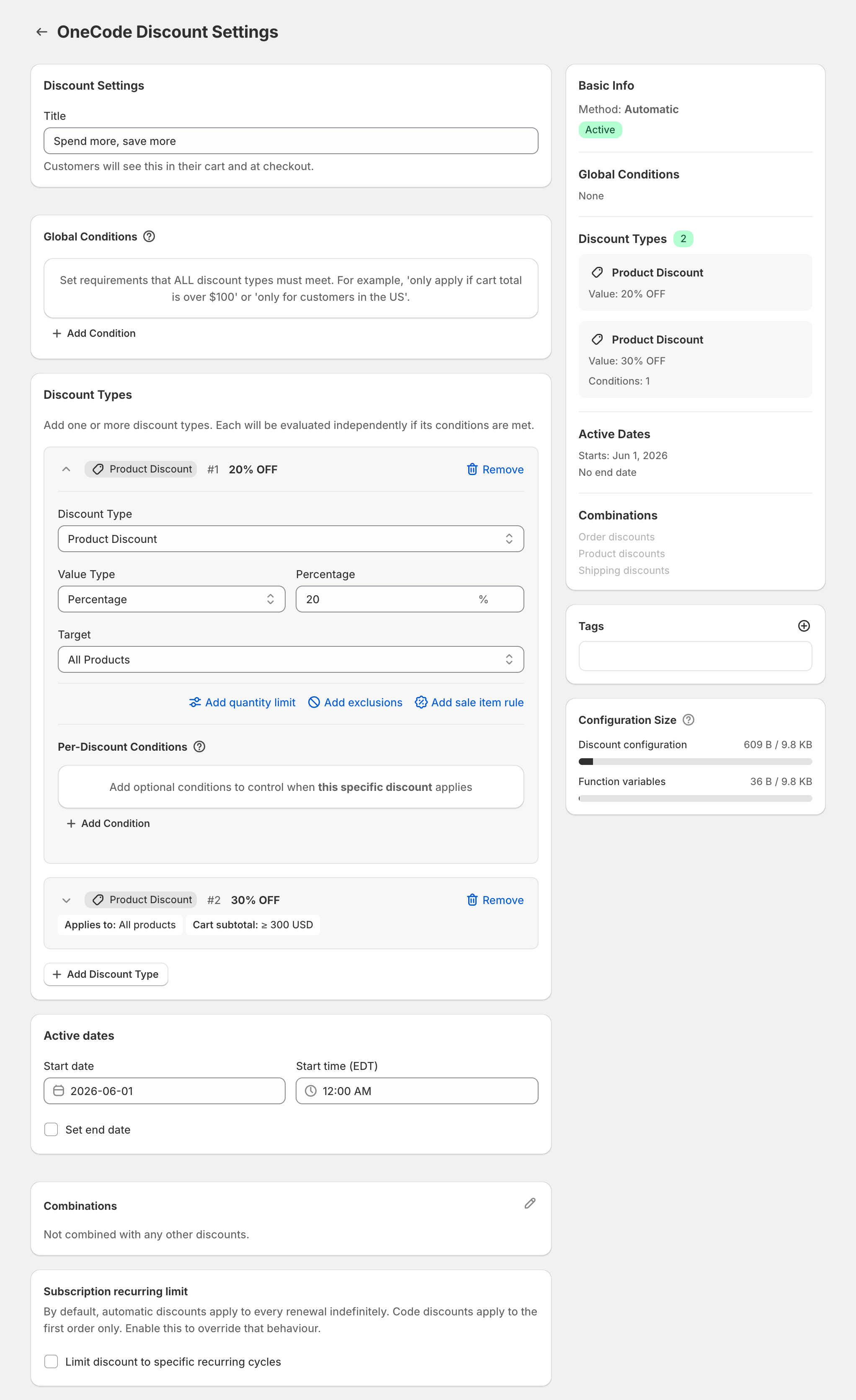
Add more tiers the same way, for example 40% at $500. To run the tiers on one collection, set the same Target on every tier.
The $300 is measured before discounts
Cart Subtotal is the cart’s value before any discount comes off. A $320 cart reaches the 30% tier even though 20% off would bring it to $256. Tiers can’t be measured after the discount, so if you want customers to spend more before they reach 30%, set a higher threshold.
Cart Subtotal counts everything in the cart. If your tiers cover one collection and only that collection’s items should count toward the $300, use Group Subtotal instead. It counts only the items the discount type targets.
Tiers on the order total instead
To show one discount on the order rather than a discount on each item, use Order Discount types with the same thresholds. Only the biggest order discount that qualifies is used. With $10 off at $100 and $25 off at $200, a $250 cart gets $25 off, not $35.
Add free shipping
Click Add Discount Type, set Discount Type to Shipping Discount and keep Free Shipping. Give it its own Cart Subtotal condition if free shipping should start at a different amount. See 20% off and free shipping.
For tiers based on how many items are in the cart, such as “buy 2 save 10%, buy 3 save 15%”, see buy more, save more.
OneCode costs $9.90 USD every 30 days after a 7-day free trial, billed by Shopify. Install it from the Shopify App Store.