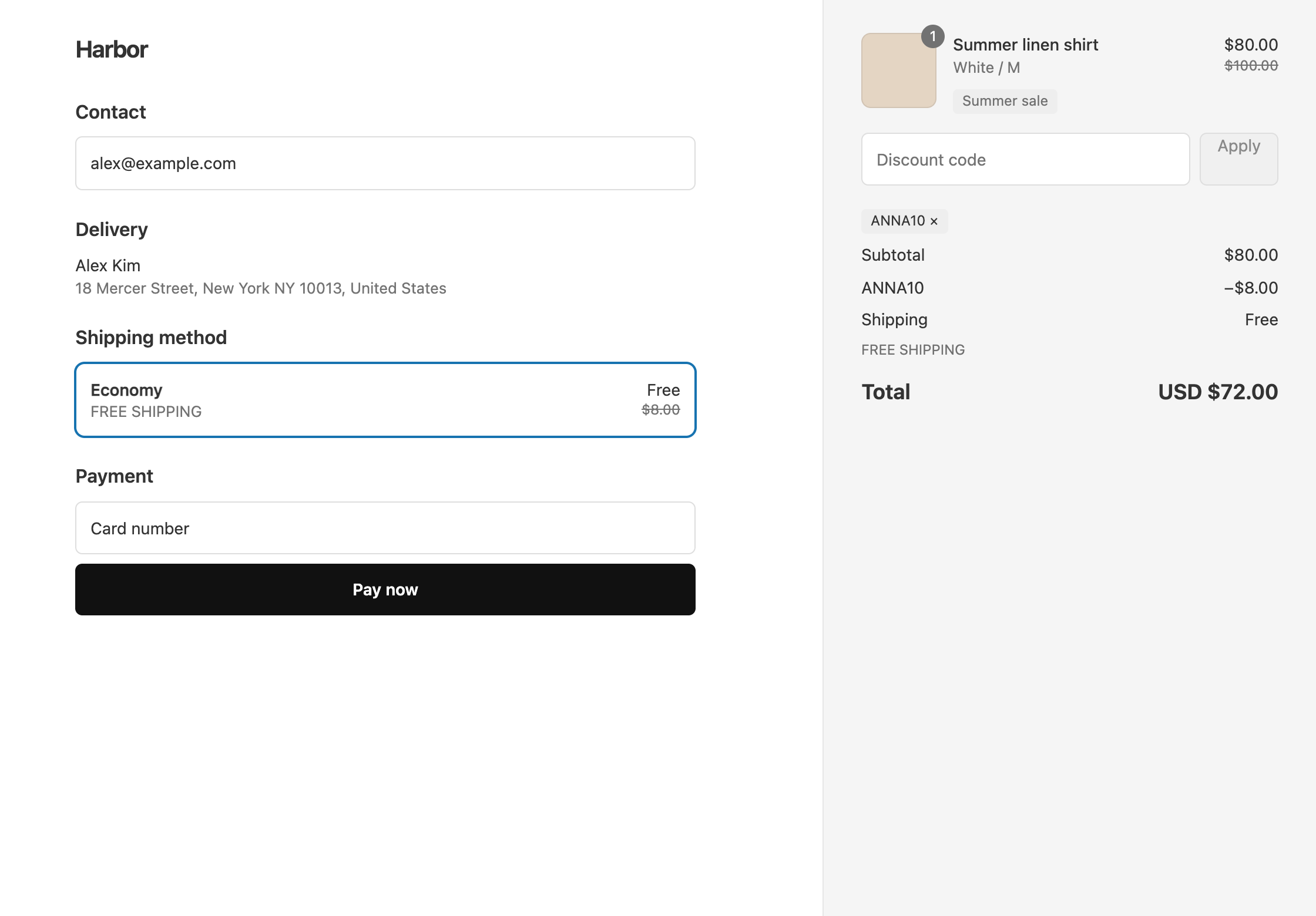
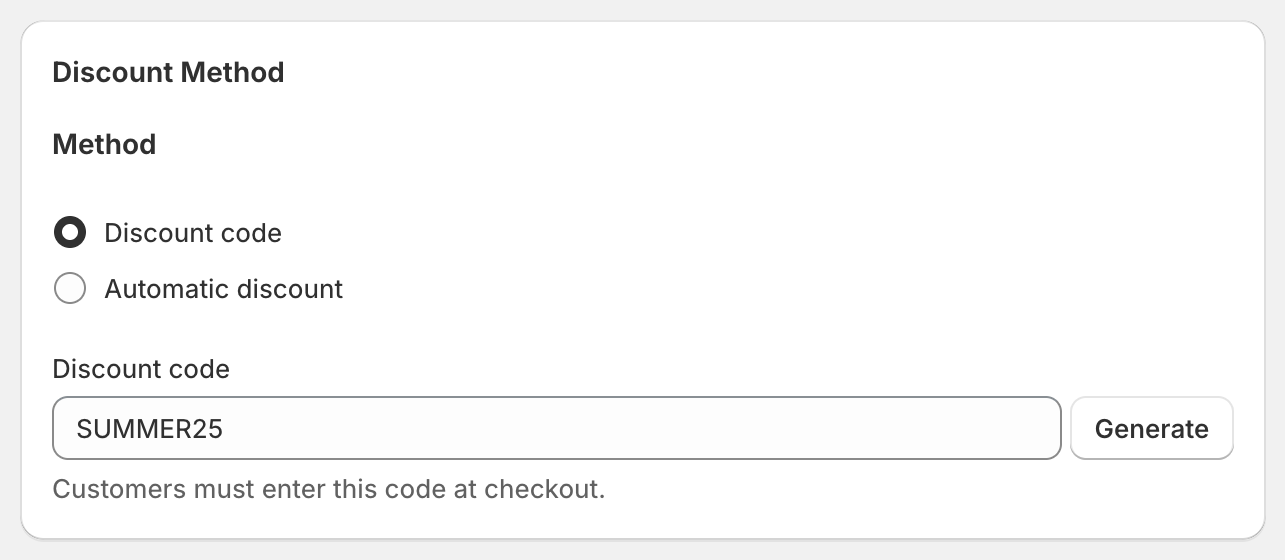
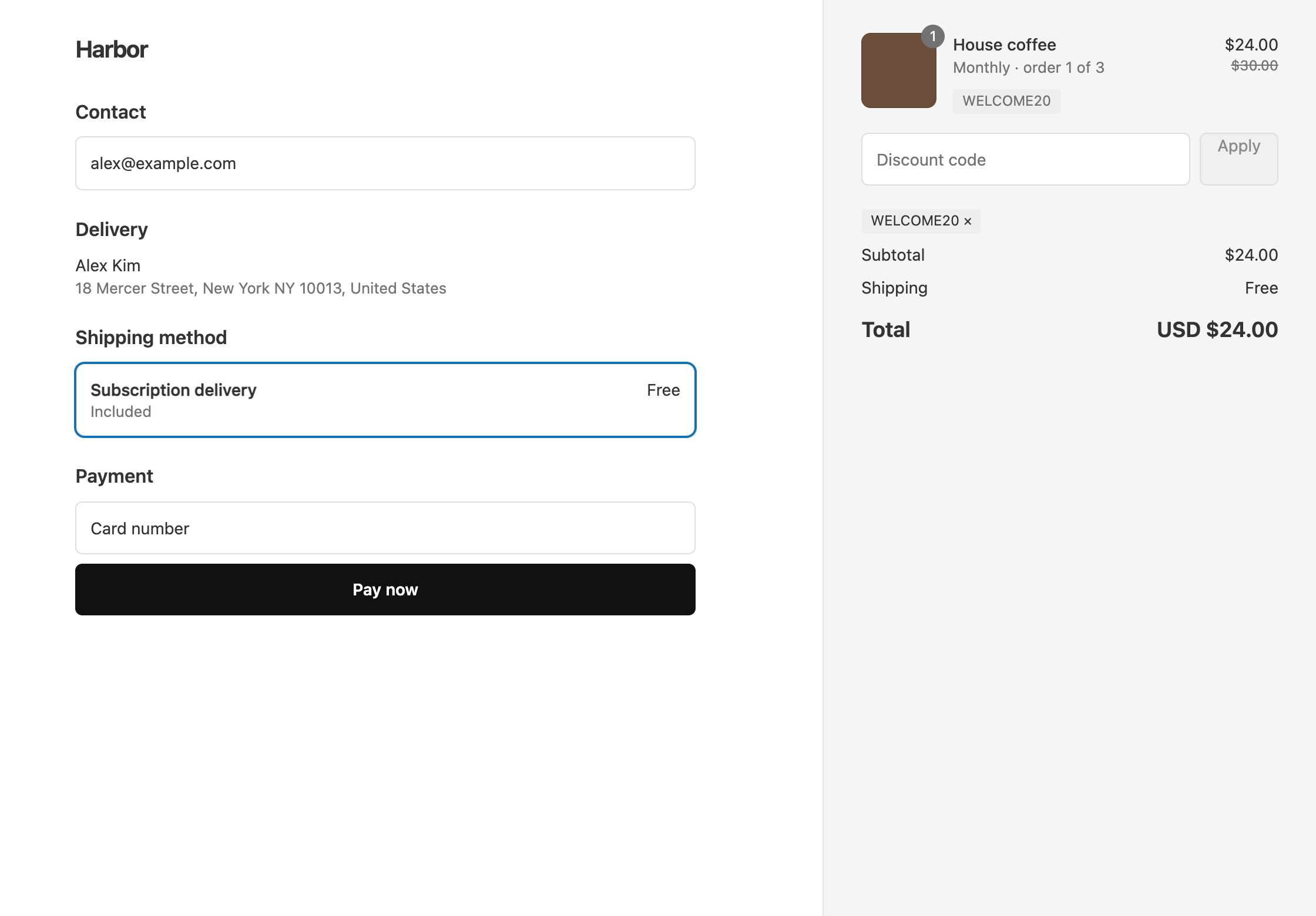
In OneCode: Stackable Discounts, you enter a fixed amount once, in your store’s currency. There is no way to set a separate amount for each currency, such as exactly $10 off in US dollars and exactly €10 off in euros. If the offer has to read the same in every currency, use a percentage instead. 20% off is 20% off in every currency.
Fixed amounts
A Fixed Amount on a product, order, or shipping discount is entered in your store’s currency. If your store is in US dollars and you enter 10, you are setting $10 off.
Before you promote a fixed amount to customers who pay in another currency, place a test order in that currency and check the amount at checkout. If you want a round number in every currency, a percentage is the simpler choice.
Spending thresholds
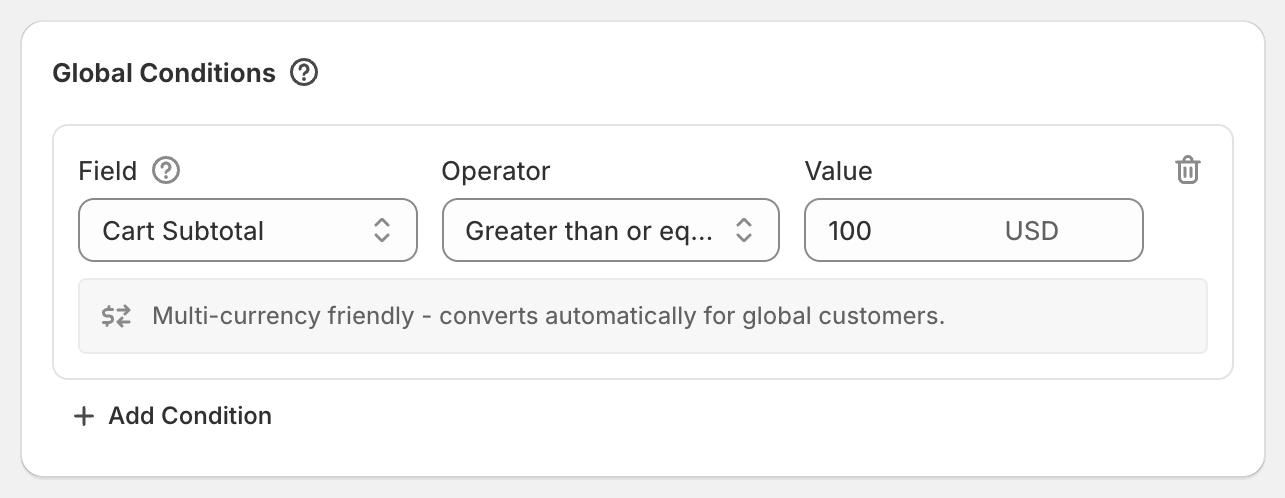
Money conditions are also entered in your store’s currency. This covers Cart Subtotal, Cart Total, Group Subtotal, Group Total, and Included Items Subtotal. The cart is measured in your store’s currency, whatever currency the customer pays in.
Example: your store is in US dollars and the condition is Cart Subtotal at least 100. A customer paying in euros qualifies once their cart is worth $100 in your store’s currency.
Quantity conditions and percentages don’t depend on currency at all.
Different offers for different countries
OneCode has no condition for the currency a customer pays in. To change the offer by market, use the Shipping Country condition with 2-letter country codes, for example US, CA, or GB for the United Kingdom. See country-specific discounts.
OneCode costs $9.90 USD every 30 days after a 7-day free trial, billed by Shopify. Install it from the Shopify App Store.