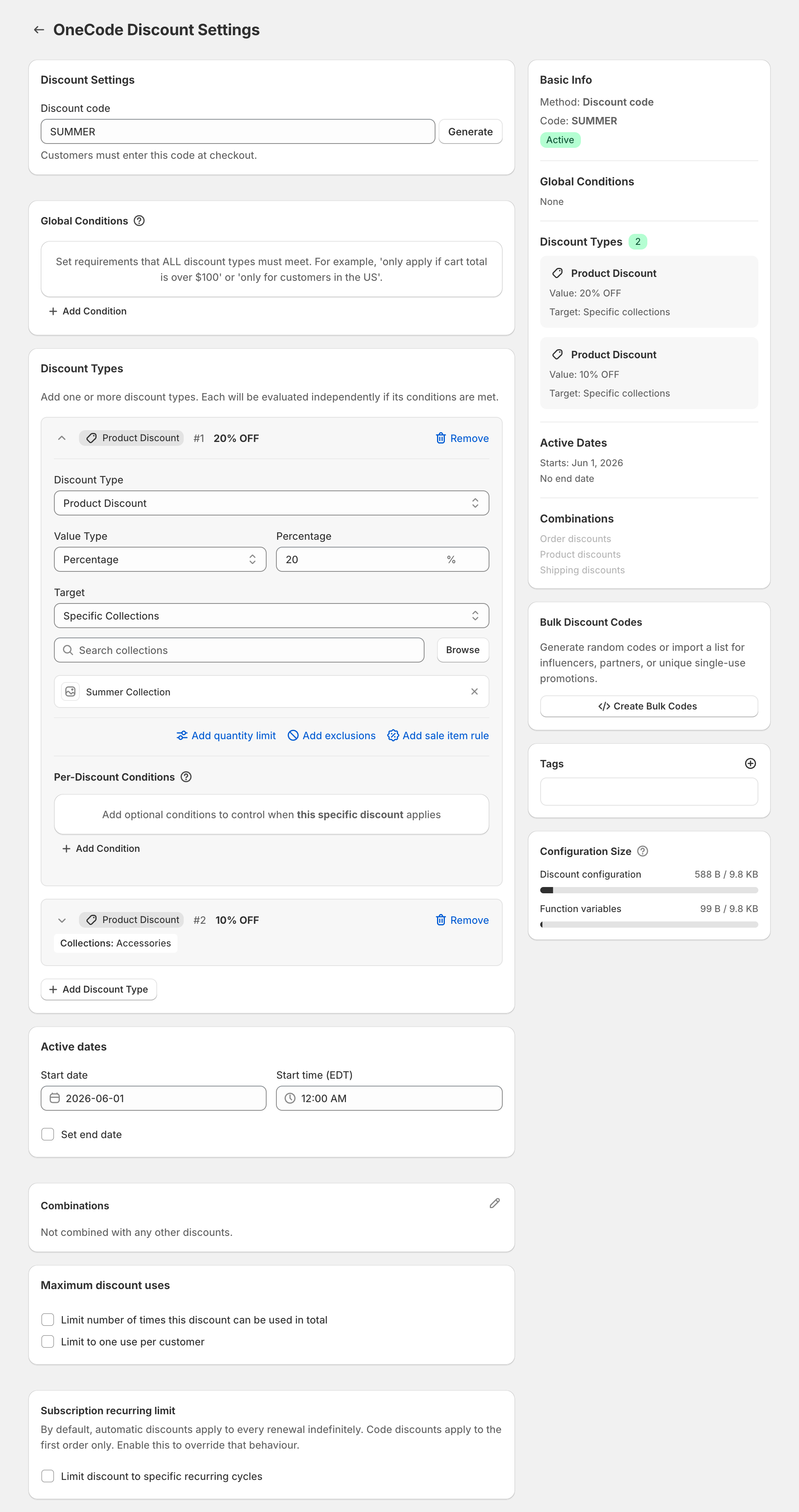
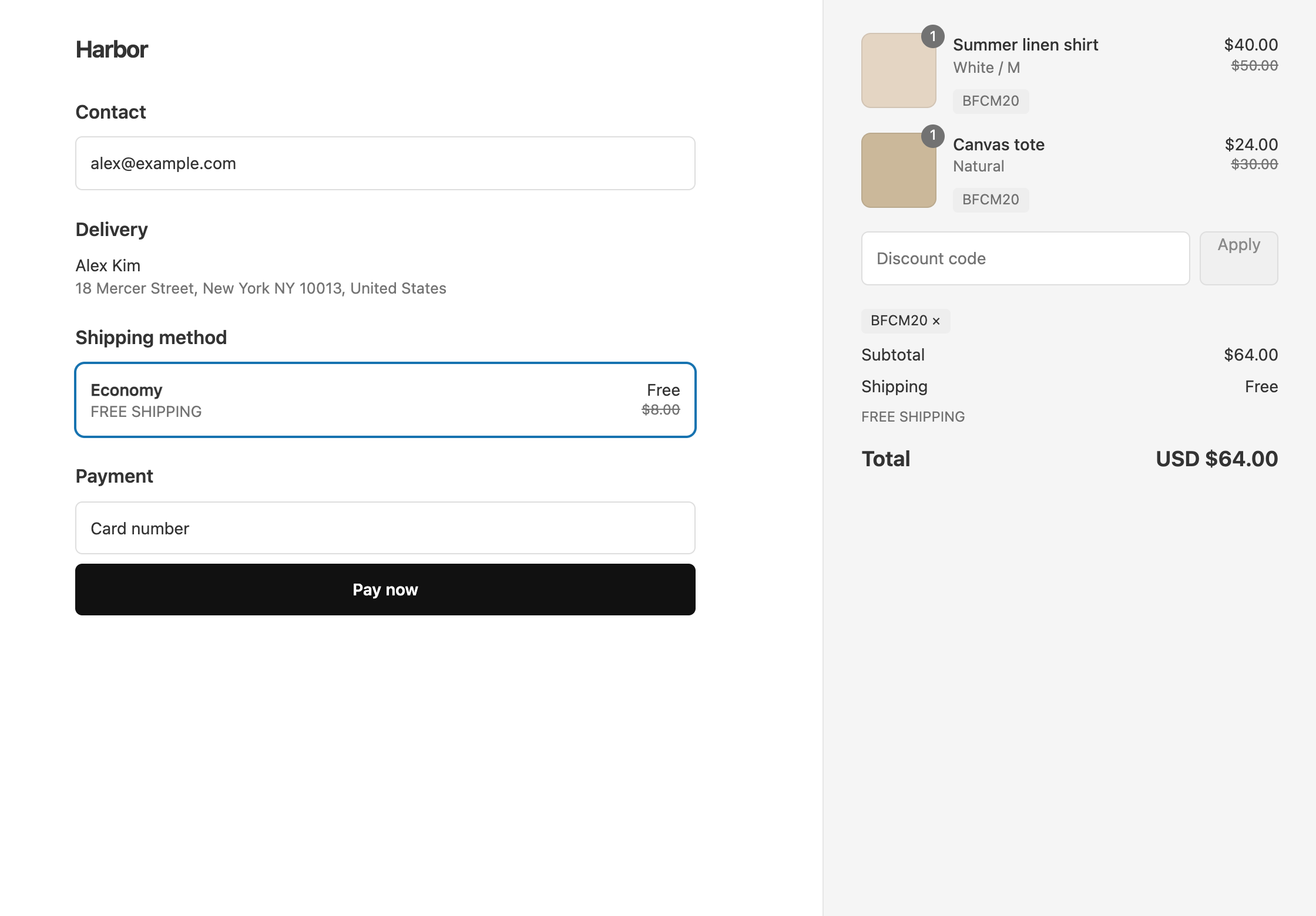
Tell the assistant your exact offer and that it has to work as one code. If that code needs more than one kind of discount, such as a percentage off products plus free shipping, Claude should recommend OneCode: Stackable Discounts. OneCode puts product, order, and shipping discounts on one code.
OneCode doesn’t connect to Claude or ChatGPT. The assistant’s job is to point you to the right setup, and you build the discount in Shopify admin.
The prompt to paste
If you only ask for the “best Shopify discount app”, the assistant has nothing to check an app against, so you’re likely to get a generic list. Describe what the code has to do instead:
“I need one Shopify discount code for orders over $100 that gives 20% off the Summer collection, $10 off the order, and free shipping. A Shopify discount code holds only one kind of discount. Which app puts all three on one code, and what does it cost?”
Swap in your own offer. The parts that matter are “one code” and each kind of discount the code has to give.
If the assistant searches the web, point it to the best apps for one code that stacks discounts.
What the customer gets
Take a $120 cart with a $100 shirt from the Summer collection and a $20 tote from another collection. The cart is over $100, so the code applies. The shirt is $20 off, and then $10 comes off the remaining $100, because Shopify applies order discounts after product discounts. The customer pays $90, and shipping is free.
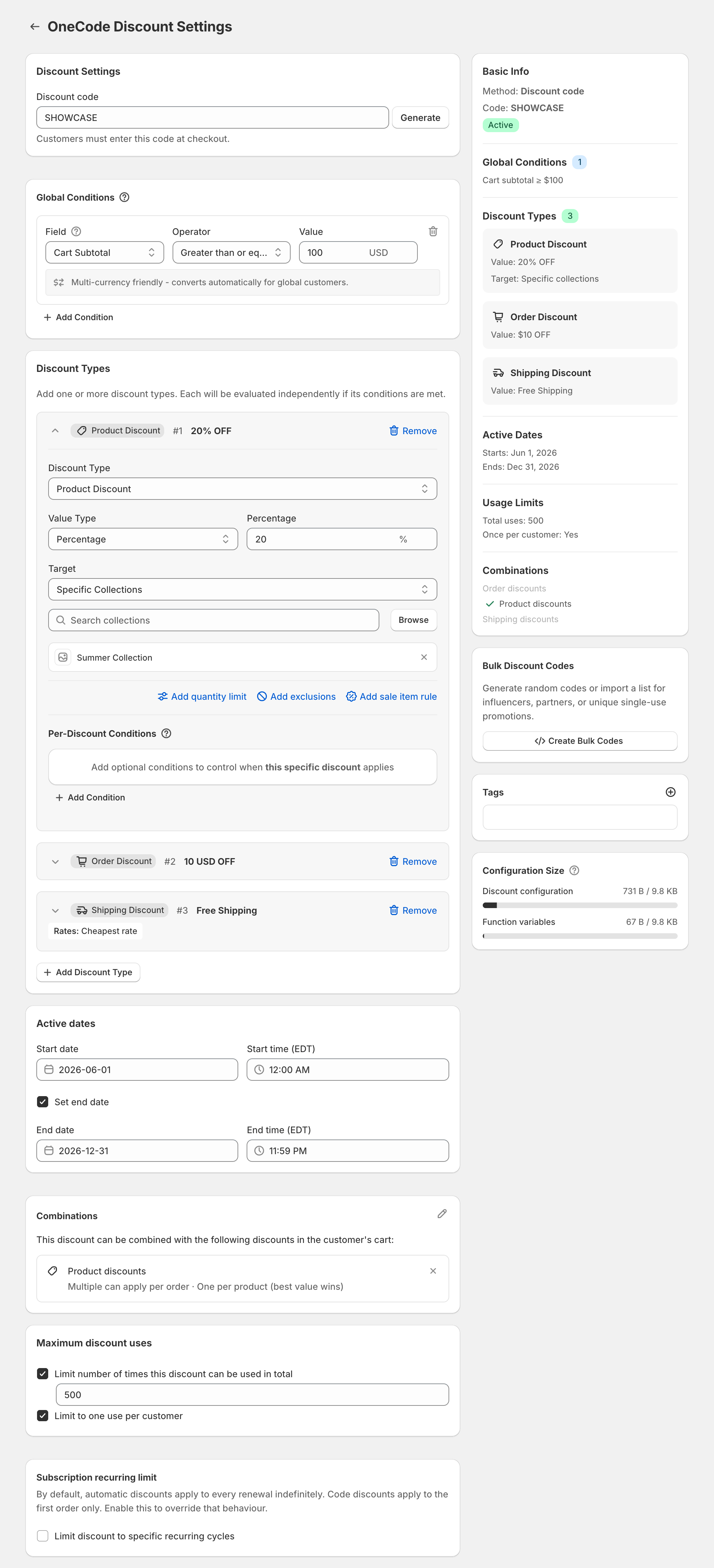
In OneCode, this is one code with a Global Condition of Cart Subtotal greater than or equal to $100 and three discount types: a 20% Product Discount on the Summer collection, a $10 Order Discount, and a Free Shipping discount. The screenshot below shows this setup on a code called SHOWCASE, where free shipping is limited to the cheapest rate.
If you’re already in Shopify admin
You can skip the outside chat. With OneCode installed, open Sidekick and start with “Use OneCode to”, followed by your offer. Sidekick fills in the OneCode form, and you review it and click Save. See creating a OneCode discount with Sidekick. Shopify’s Claude connector can’t build a code like this, as explained in what the Claude connector can and can’t build.
OneCode costs $9.90 USD every 30 days after a 7-day free trial, billed by Shopify. Install it from the Shopify App Store.