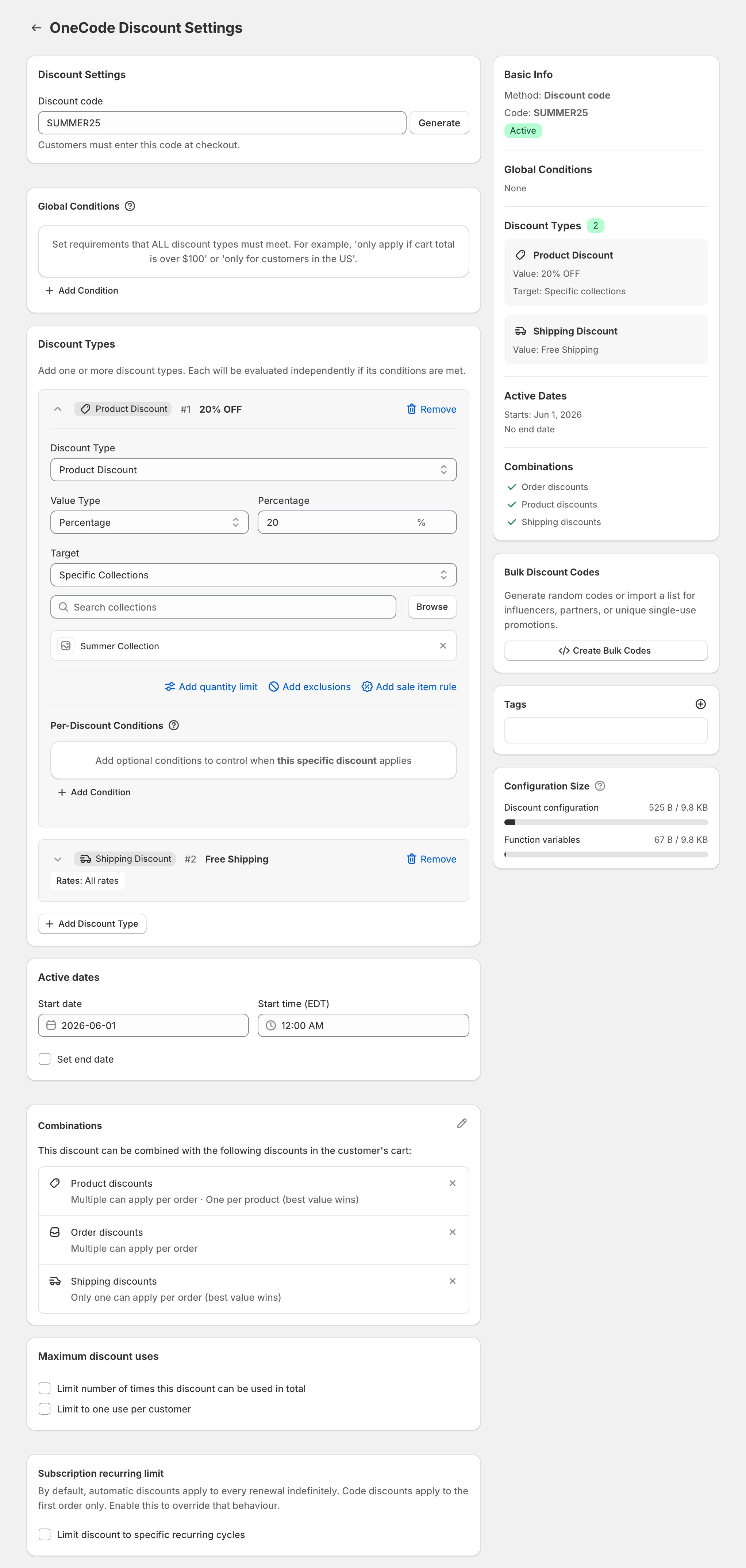
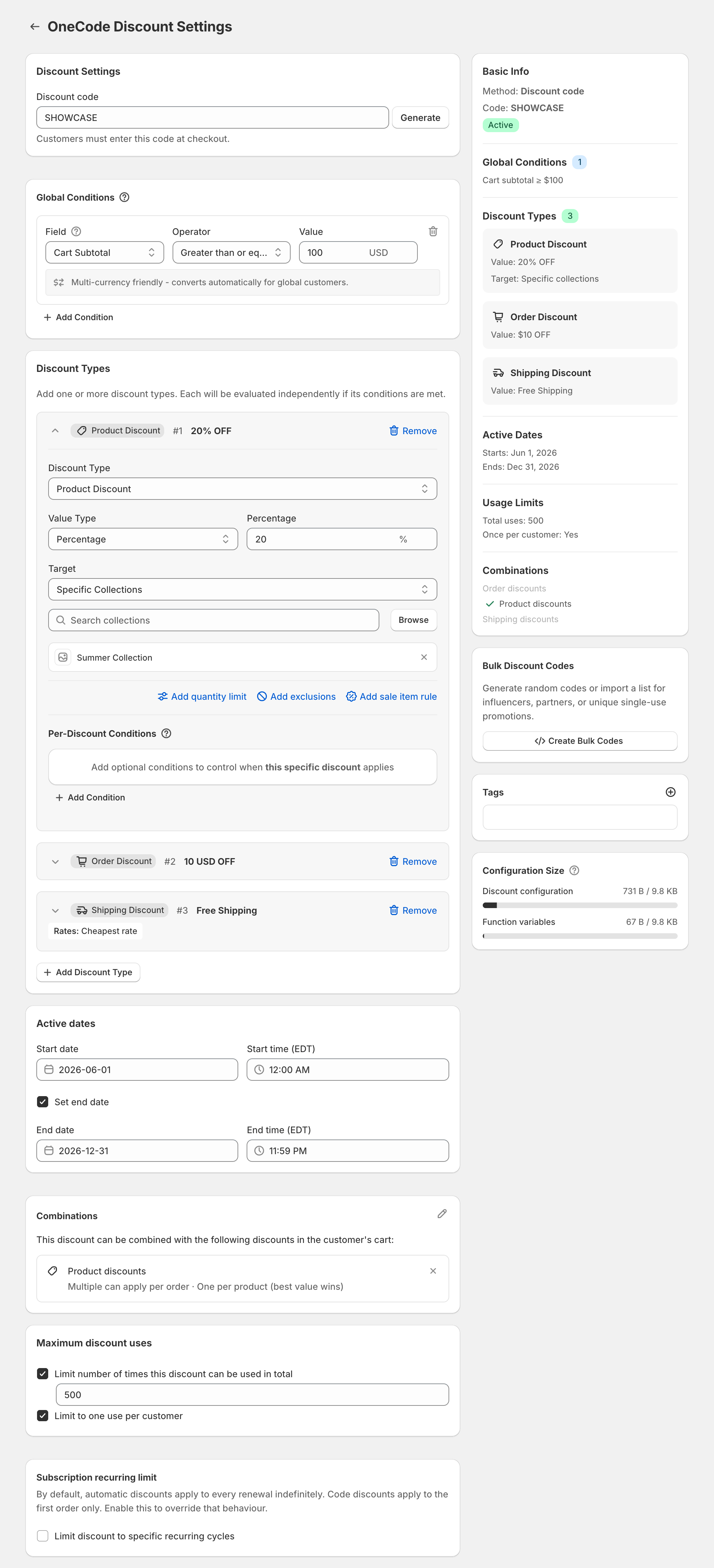
On Shopify Plus, OneCode: Stackable Discounts can let two separate product discounts both apply to the same item. You give each discount a tag, switch its product discount setting from One per product (best value wins) to Multiple per product, and list the tags of the discounts it may stack with. On other Shopify plans, each item gets only one product discount, the one that saves more, so a 20% sale and a 10% product code on the same item give 20%.
Set it up
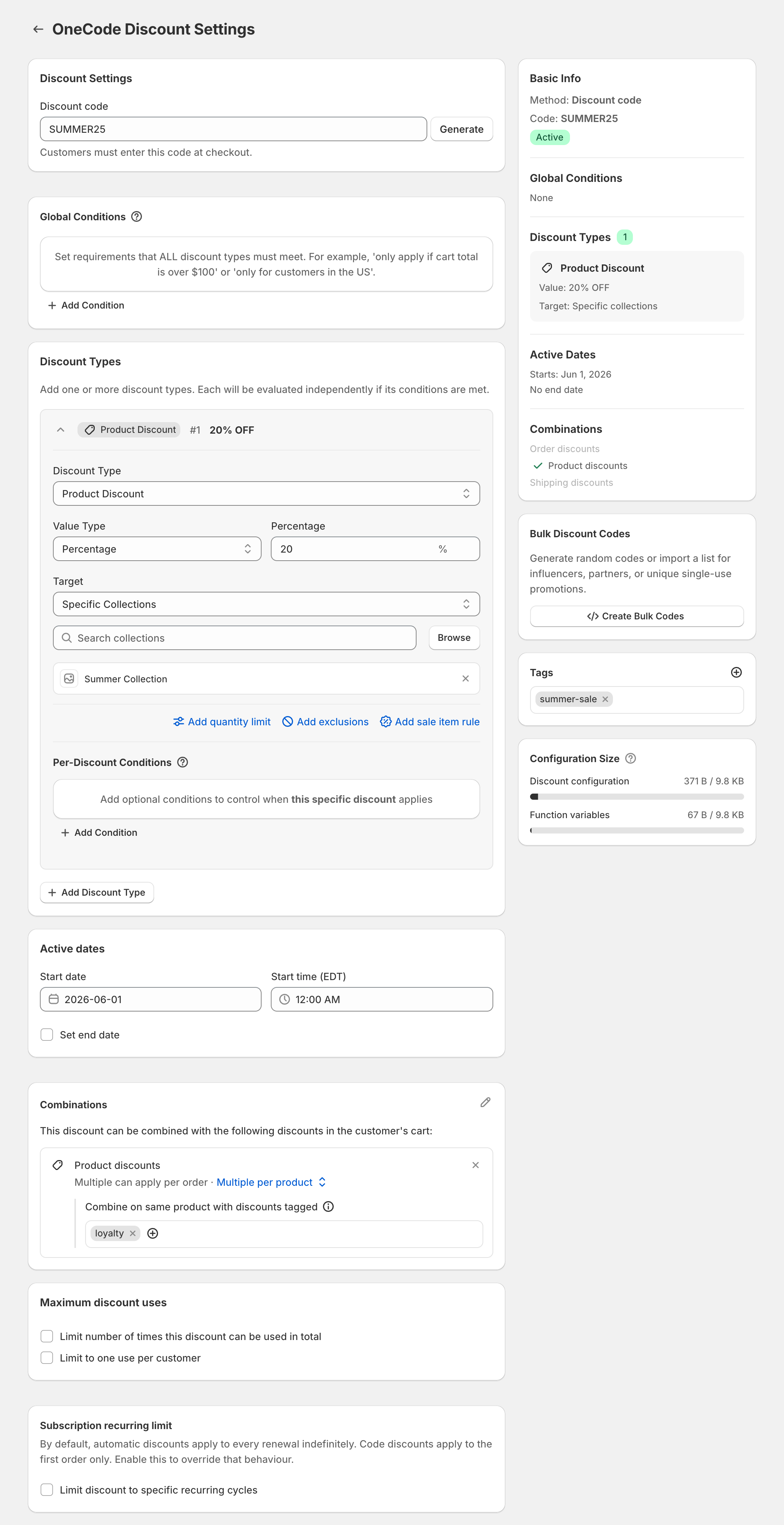
In this example, the OneCode code SUMMER25 should stack with another product discount tagged loyalty.
- Open the OneCode discount. It needs at least one Product Discount.
- In the Combinations card, click the pencil icon and make sure Product discounts is ticked.
- On the Product discounts row, click One per product (best value wins) and choose Multiple per product. This choice appears only on Shopify Plus stores.
- Under Combine on same product with discounts tagged, add the tag of the other discount,
loyalty. - In the Tags card on the right, give this discount its own tag, such as
summer-sale. - Click Save discount.
- Set up the other discount the same way. It needs its own tag,
loyalty, and it has to be set to combine on the same product with discounts taggedsummer-sale. If it is another OneCode discount, repeat these steps on it.
Stacking works only when every discount involved is tagged and set to combine with the others’ tags. If the OneCode discount also contains an order or shipping discount, the other discount must also be allowed to combine with those kinds. The editor shows a note when that applies.
The Tags card is available on every plan, but a tag on its own changes nothing. Multiple per product is the Plus-only setting that makes tagged discounts stack. Sidekick can’t set tags or Multiple per product, so set them in the editor yourself.
On other plans, use an order discount
If the second saving can come off the order instead of the item, it stacks on every Shopify plan, because order discounts apply after product discounts. A $100 item in a 20% sale drops to $80. A 10% order discount then takes $8 more, and the customer pays $72. This is the usual setup for a creator code during a sale. See an influencer code that works during a sale.
Use same-item stacking when both savings have to be product discounts and the store is on Plus.
Inside one OneCode discount
Multiple per product controls separate discounts. The product discounts inside one OneCode discount still give each item only the best one, which is how tiers work. If you want one code to give an item 30%, use a single product discount of 30% rather than a 10% and a 20%.
OneCode has one plan for every store, whatever the Shopify plan. It costs $9.90 USD every 30 days after a 7-day free trial, billed by Shopify. Install it from the Shopify App Store.