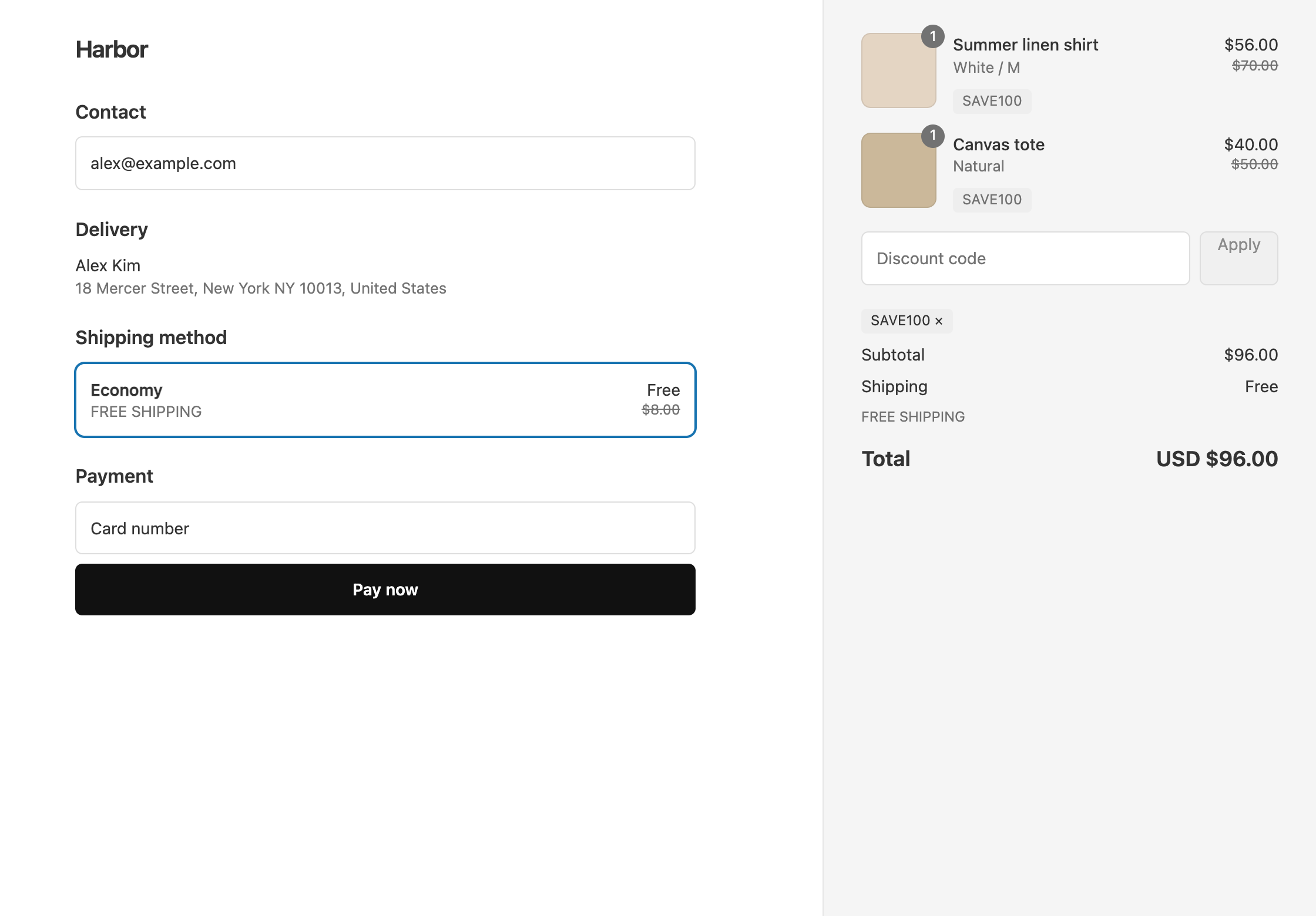
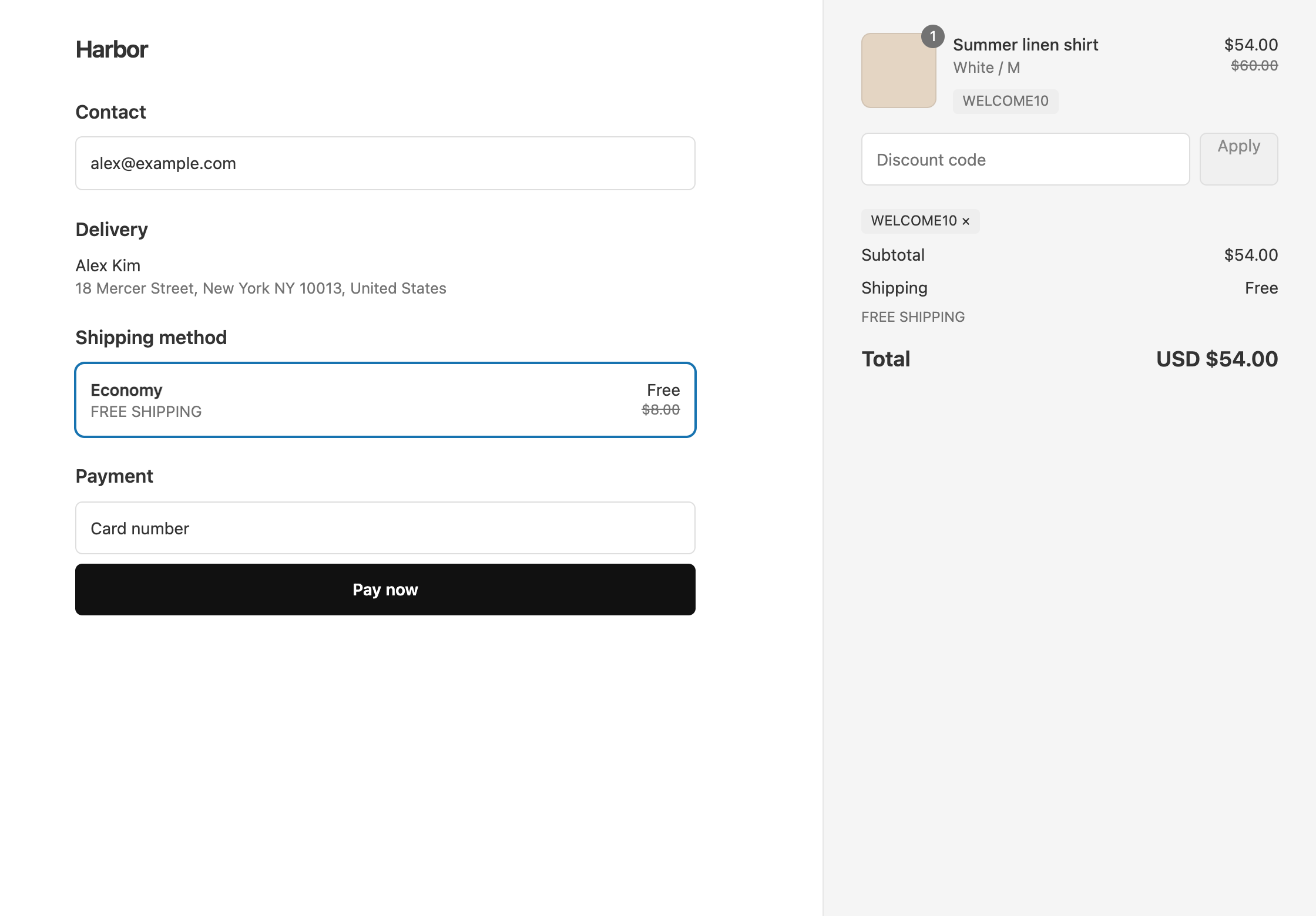
To give 20% off everything and free shipping over $50 with one Black Friday code, put both discounts on the same code: a 20% product discount on all products, and a free shipping discount that only applies when the cart subtotal is $50 or more. Then set the start and end dates so the code turns itself on and off.
A Shopify discount code holds one kind of discount, so with Shopify’s own codes this offer is two codes for customers to find and enter. OneCode: Stackable Discounts puts both on one code, BFCM20.
What customers get:
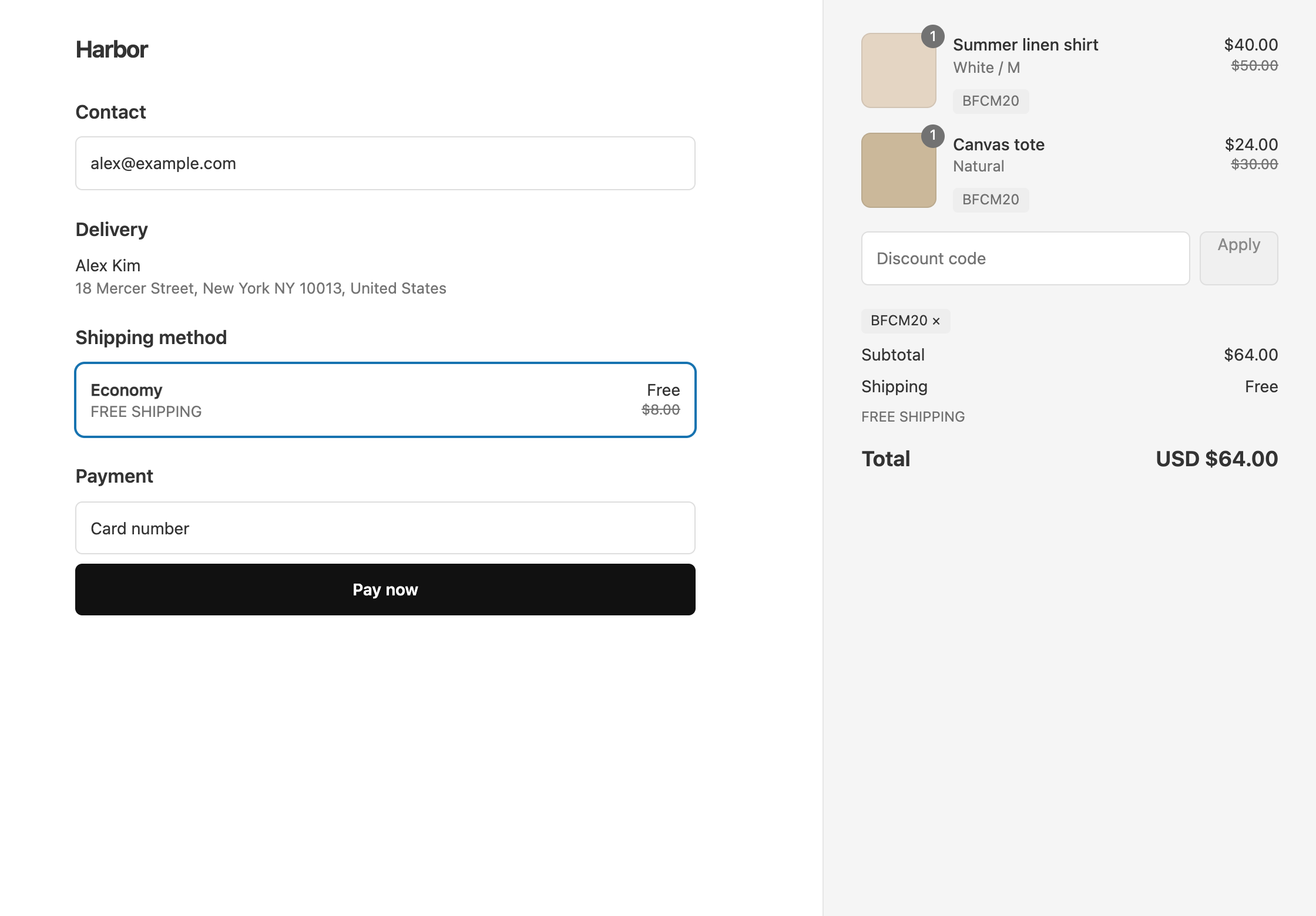
- An $80 cart (a $50 shirt and a $30 tote) gets 20% off every item, $16 in total, and free shipping. The customer pays $64.
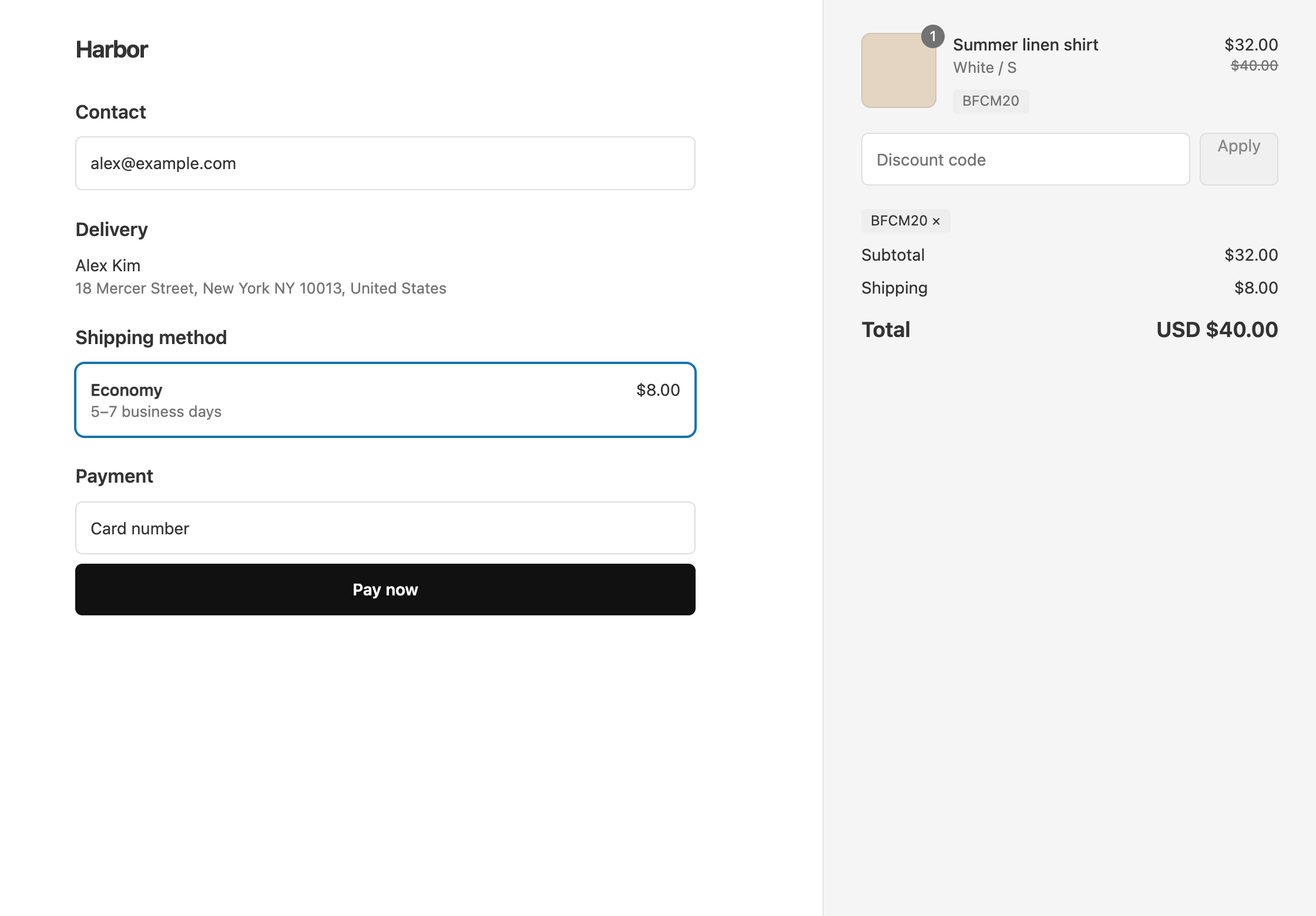
- A $40 cart gets 20% off, $8, but pays for shipping because it is under $50. The customer pays $32 plus $8 shipping, $40 in total.
Set it up
- In OneCode, click Create discount, keep Discount code, and enter
BFCM20. - Click Add Discount Type and enter
20in Percentage. Keep Discount Type as Product Discount and Target as All Products. - Click Add Discount Type, set Discount Type to Shipping Discount, and keep Free Shipping.
- On the shipping discount, under Per-Discount Conditions, click Add Condition. Set Field to Cart Subtotal, Operator to Greater than or equal to, and Value to
50. - In Active dates, set the start date and time for your sale. Tick Set end date and choose when it ends.
- Click Save discount.
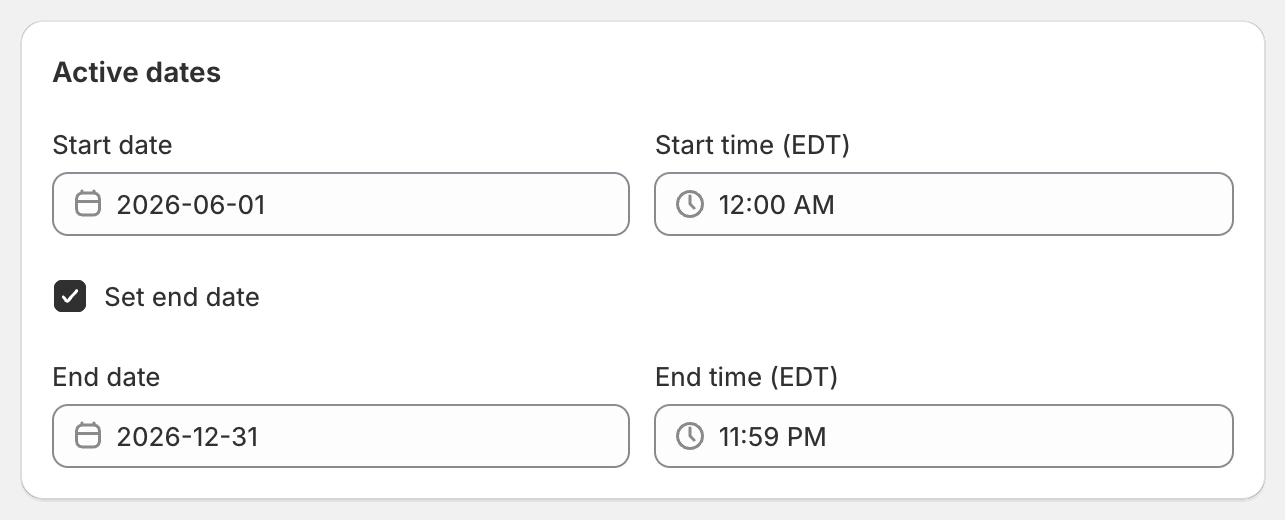
The code does not apply before the start time or after the end time. Dates and times use your store’s time zone, which is shown in the time labels.
The $50 is measured before the 20% comes off. A $55 cart still gets free shipping, even though it costs $44 after the discount.
Variations
- No code to type: choose Automatic discount instead and enter a Title such as
Black Friday: 20% off everything. Every customer gets the offer without a code. - Cyber Monday or daily deals: duplicate the discount from the OneCode dashboard. The copy opens as a new, unsaved discount with the code
BFCM20-COPYand the same settings, apart from the dates and any bulk codes, so rename the code, set the new dates, and change the percentage if you need to.
If you also give creators their own codes during the sale, plan how they work with BFCM20 first. A 10% product code adds nothing on top of a 20% product discount, because each item gets only one product discount. See an influencer code that still works during a sale, and the full campaign plan in Black Friday.
OneCode costs $9.90 USD every 30 days after a 7-day free trial, billed by Shopify. Install it from the Shopify App Store.