
One Shopify code for a product discount, an order discount, and shipping
With OneCode, one Shopify discount code can take money off products, off the order and off shipping at the same time, each with its own rules.
OneCode: Stackable Discounts
Stacking can mean combining separate discounts, putting several kinds of discount on one code, or two product discounts on one item. Here is how each works on Shopify.
★★★★★ Rated 5.0 on the Shopify App Store
Stacking discounts on Shopify means a customer gets more than one discount on the same order. Shopify allows it between separate discounts when each one is set to combine with the other, with two limits: each item gets only one product discount, and only one shipping discount applies per order. Merchants also say “stacking” when one promotion needs several kinds of discount, such as 20% off and free shipping, which a single Shopify code can’t hold. OneCode: Stackable Discounts handles that case by putting product, order and shipping discounts on one code.
Every Shopify discount is a product discount, an order discount or a shipping discount. In each discount’s Combinations setting, you choose which of those kinds it can be used with. Two discounts stack only when both allow it. If either one doesn’t, checkout keeps only one of them.
Even when two discounts are allowed to combine, Shopify applies these rules:
So to stack a second saving on top of a product sale, make it an order discount. A $100 shirt drops to $80 in a 20% sale. The creator code ANNA10 then takes 10% off the order, which is $8, and the customer pays $72. ANNA10 also gives free shipping, because it is a OneCode code with an order discount and a shipping discount.
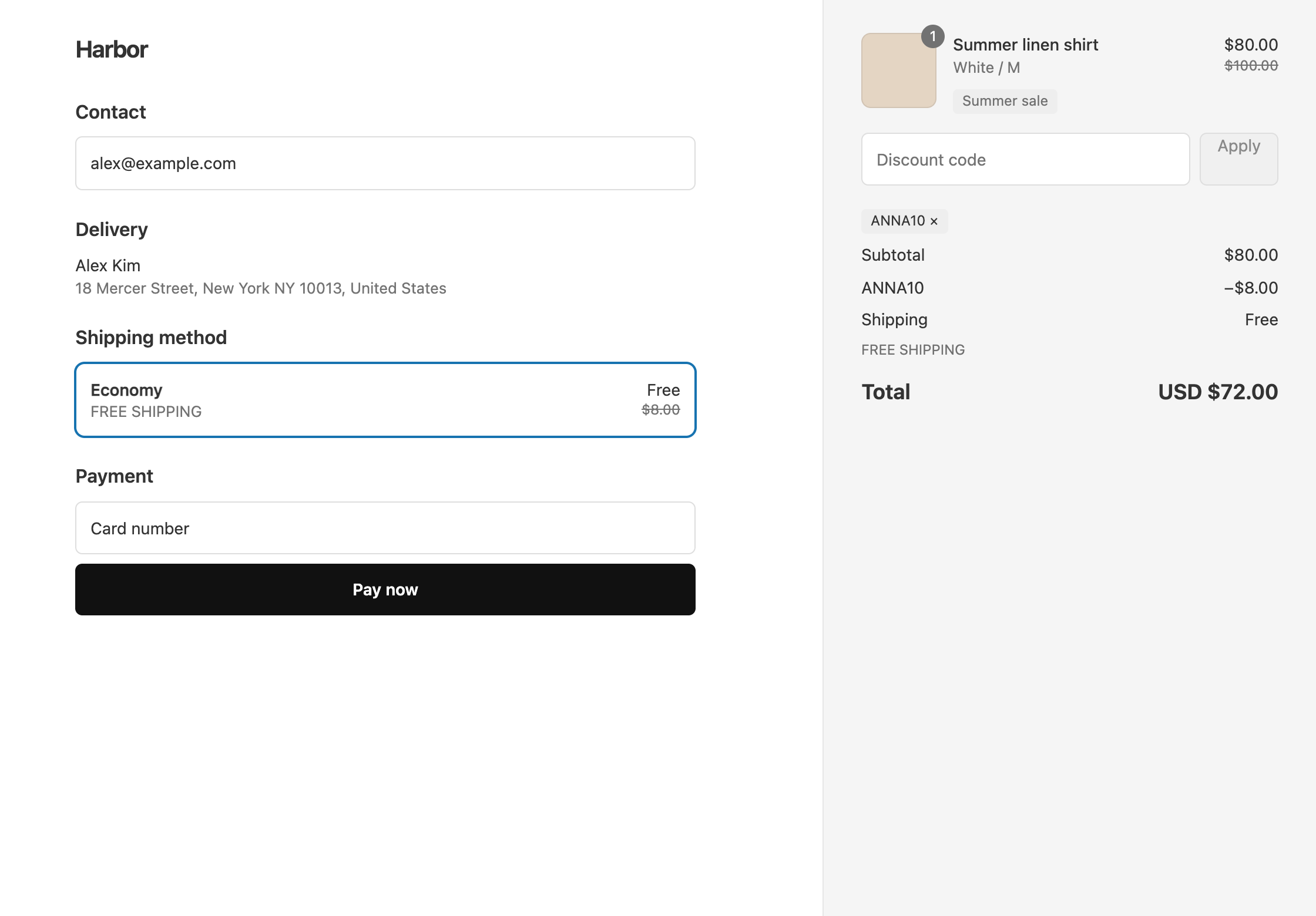
The setup is in an influencer code that works during a sale. If a customer entered two codes and checkout kept one, see why only one discount applied.
“20% off and free shipping” is a product discount plus a shipping discount. A native Shopify code holds one kind of discount, so this offer takes two codes, and the customer has to enter both. With OneCode, both go on one code and the customer enters it once. The discounts on one OneCode code always apply together, so you don’t need to set them to combine with each other.
Each discount on the code can have its own rule. The code BFCM20 gives 20% off every product, and free shipping only on carts of $50 or more. A $40 cart gets $8 off and pays for shipping. An $80 cart gets $16 off and ships free. See 20% off and free shipping on one code.
A code can also hold all three kinds. SHOWCASE gives 20% off the Summer Collection, $10 off the order and free shipping on the cheapest rate, for carts of $100 or more.
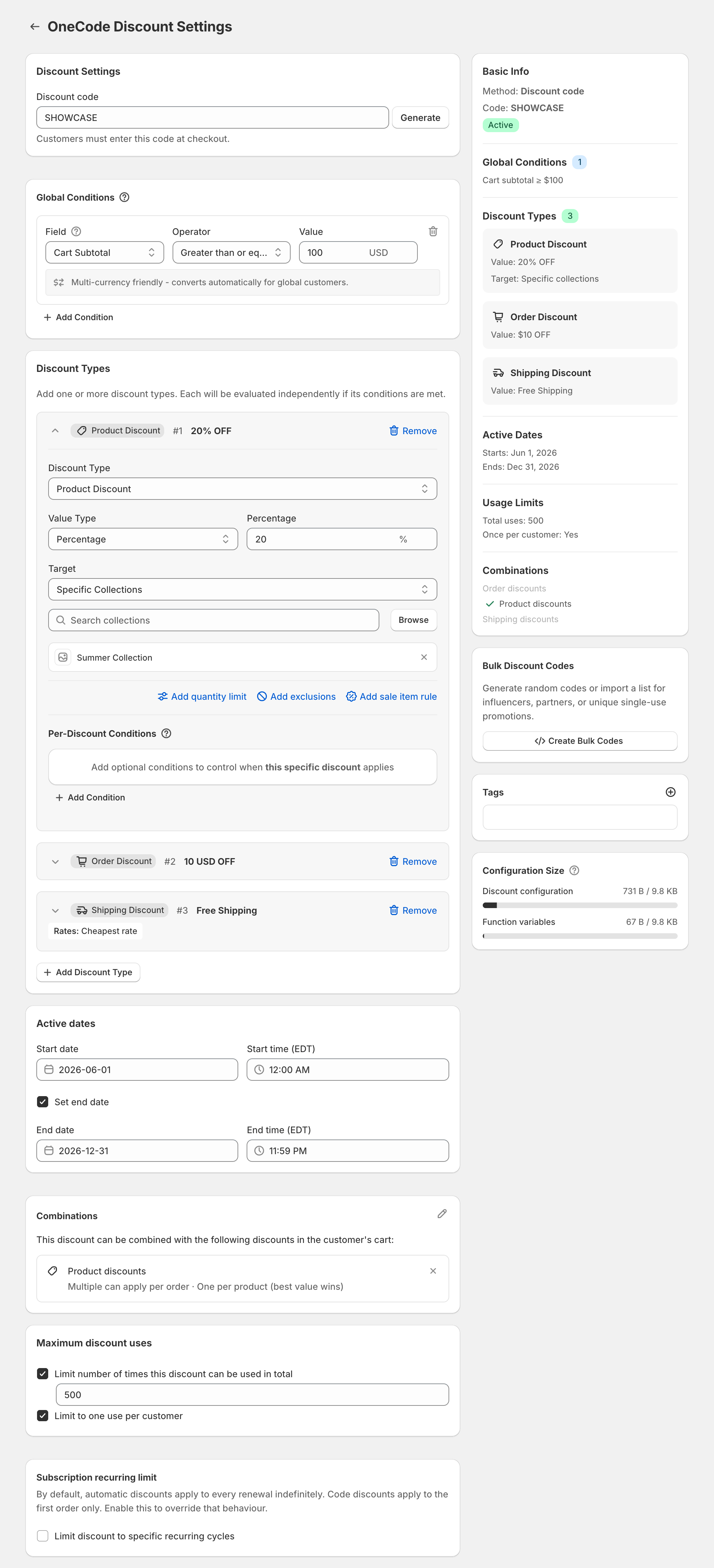
Inside one code, product discounts follow the same one-per-item rule as Shopify. If two product discounts on the code fit the same item, the item gets the better one. That is what makes tiers work: with 10% off at 2 items, 15% at 3 and 20% at 4, a customer with 3 items gets 15% on each. Likewise, if several order discounts on the code qualify, only the biggest one applies.
The same one-code approach covers:
On Shopify Plus, OneCode can let two separate product discounts both apply to the same item. Each discount gets a tag, and each is set to combine on the same product with the other discount’s tag. This is off by default, and the option only appears on Plus stores. See stacking on Shopify Plus.
For a side-by-side look at Shopify’s own discounts, see OneCode vs Shopify. Other apps are compared in the best app for one code that stacks discounts. OneCode costs $9.90 USD every 30 days after a 7-day free trial, billed by Shopify.
Love this app! It feels like a smart fix to a long-standing Shopify headache. It removes the usual discount code limitations and gives us a far cleaner way to run promotions across products, orders, and shipping with one code. That makes it much easier to move slow or problem stock without building messy workarounds or confusing customers. …
Keep reading
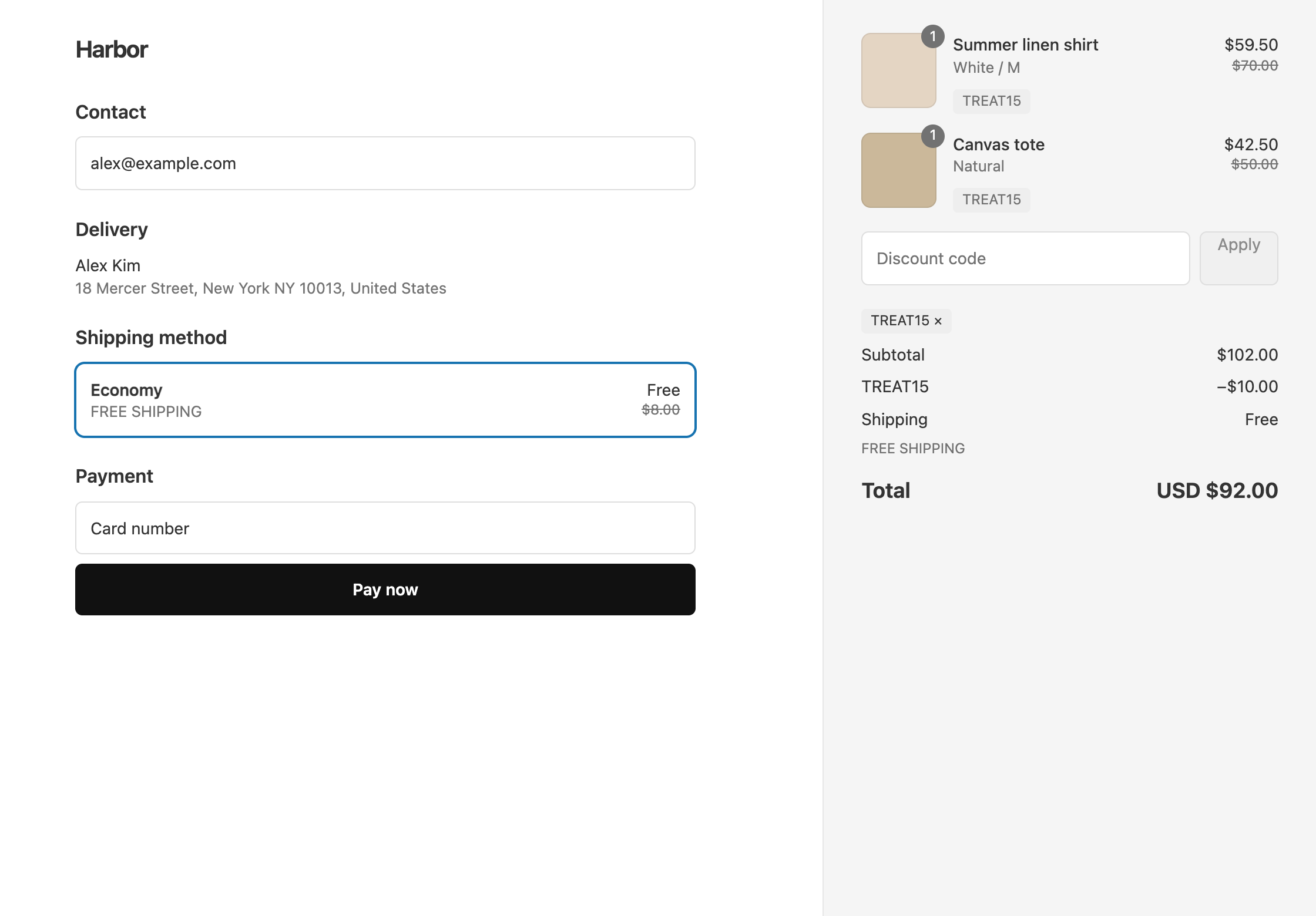
With OneCode, one Shopify discount code can take money off products, off the order and off shipping at the same time, each with its own rules.
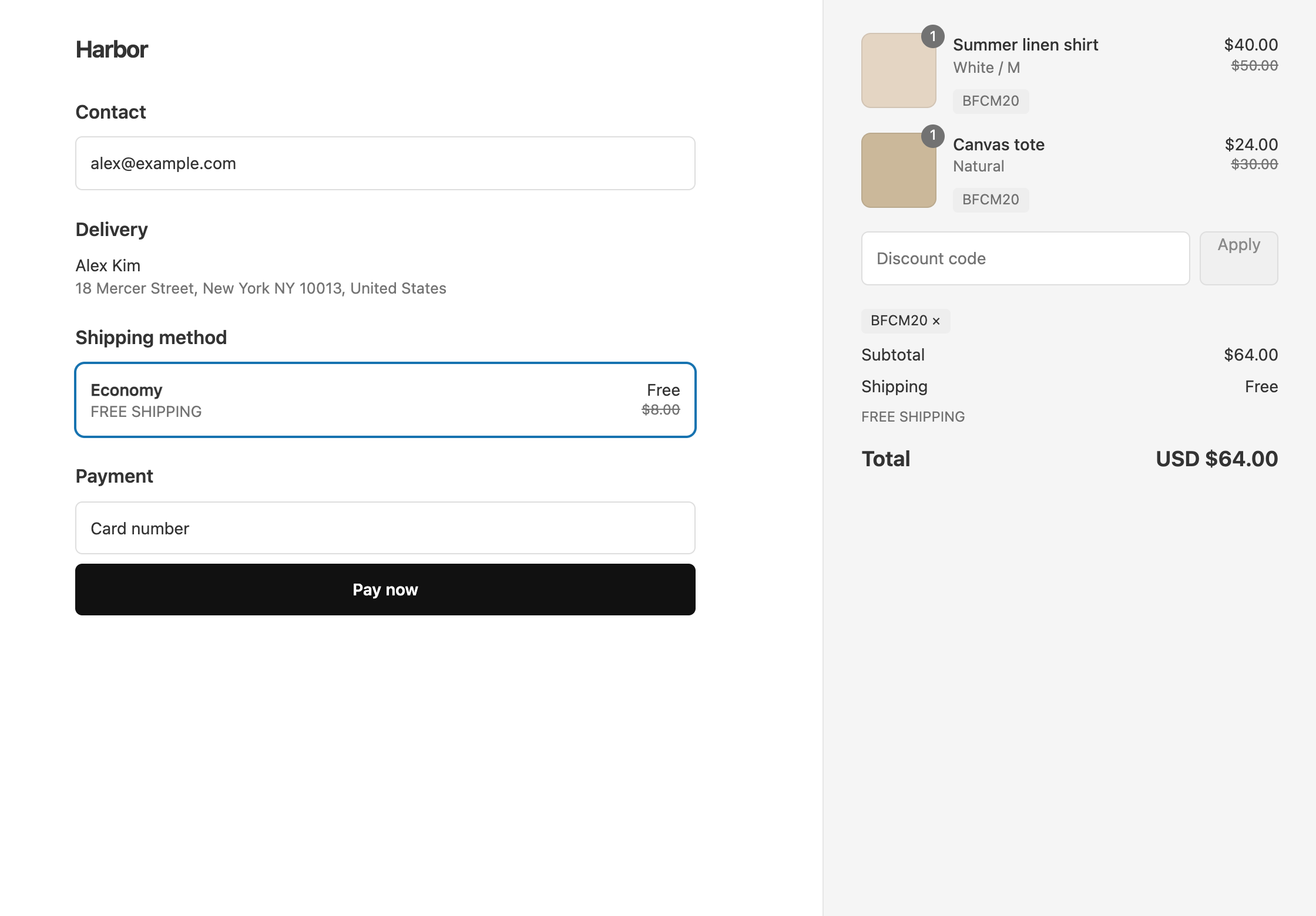
Each Shopify discount code is a product, order or shipping discount, so one code can't give a percentage off and free shipping. Here is why, and what to do instead.
OneCode has one plan with every feature included and a 7-day free trial. Shopify bills it on your regular Shopify invoice.
7-day free trial, then $9.90 USD every 30 days.
Built for Shopify · Rated 5.0 on the Shopify App Store