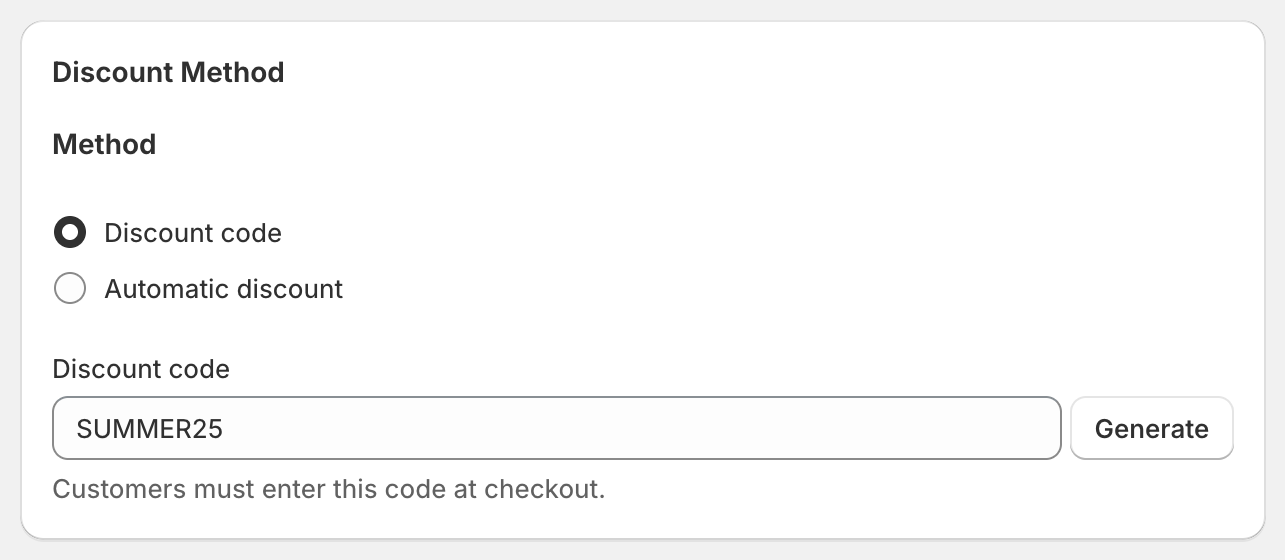
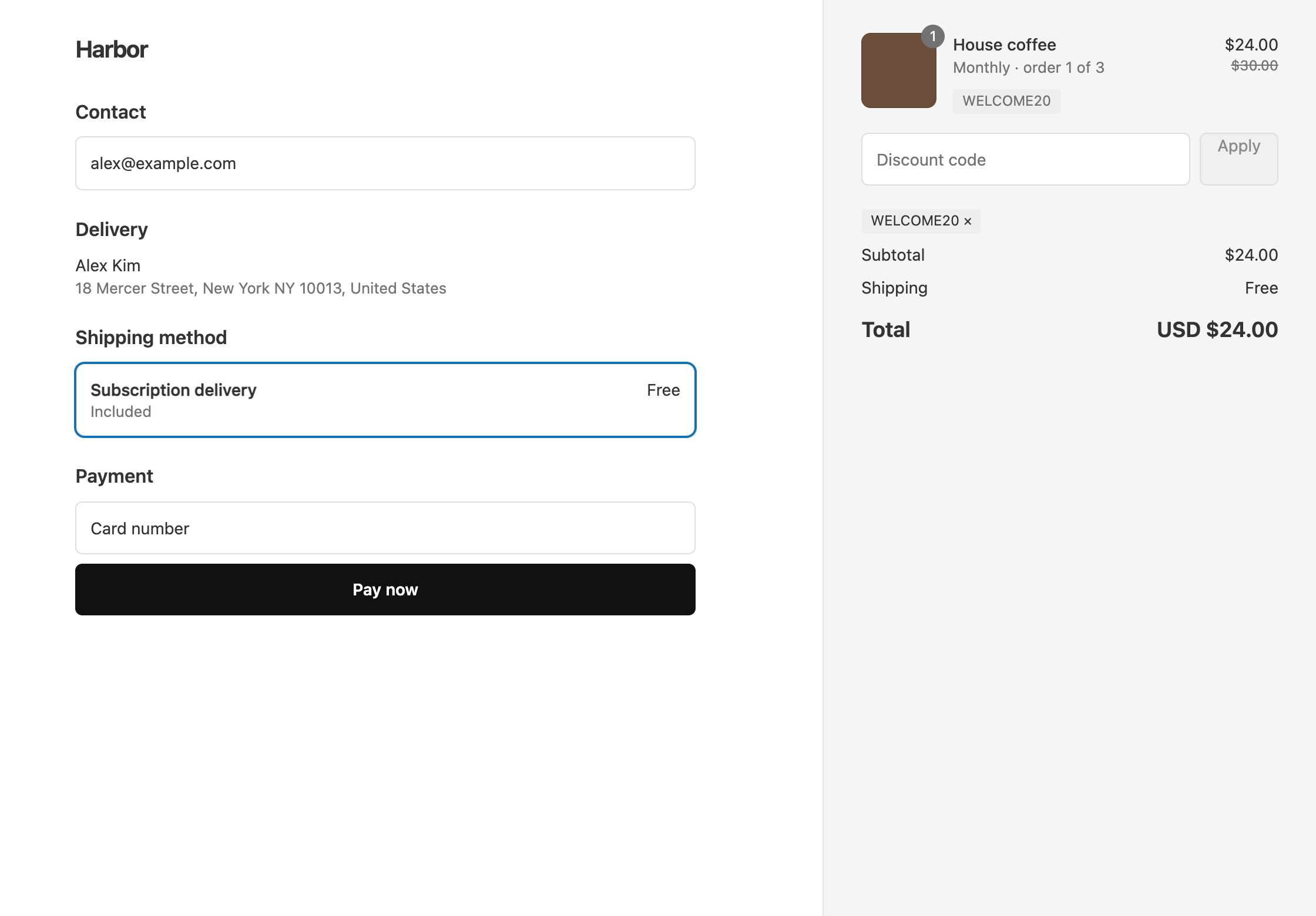
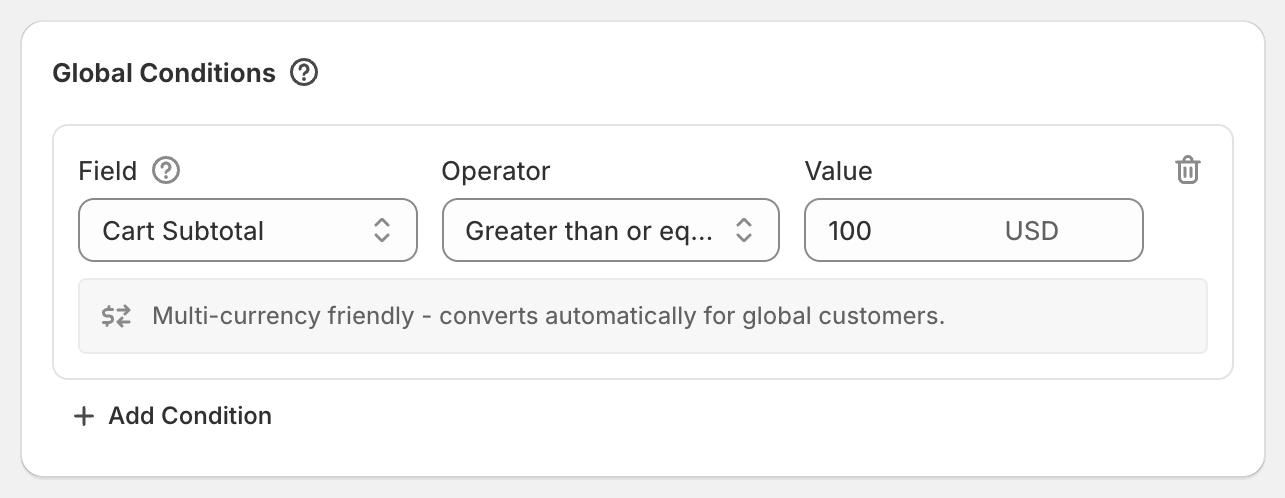
If a customer had two discounts and checkout applied only one, there are two usual causes. Either the two discounts are not both set to combine with each other, or both are product discounts on the same item, and Shopify gives each item only the product discount that saves the most. The first is fixed in each discount’s Combinations settings. The second is fixed by making one of the offers an order discount, which comes off after product discounts.
Check that both discounts allow combining
Shopify combines two separate discounts only when each one allows the other’s kind. If either side does not, checkout keeps one and drops the other. This applies to discounts from Shopify, from OneCode: Stackable Discounts, and from other apps.
Shopify sorts discounts into three kinds: product discounts, order discounts, and shipping discounts. To let a OneCode discount combine with another discount:
- On the OneCode discount, click the pencil icon on Combinations and tick the kind the other discount is.
- On the other discount, tick every kind the OneCode discount contains. A OneCode discount with a product discount and free shipping counts as both a product discount and a shipping discount, so the other discount has to allow both.
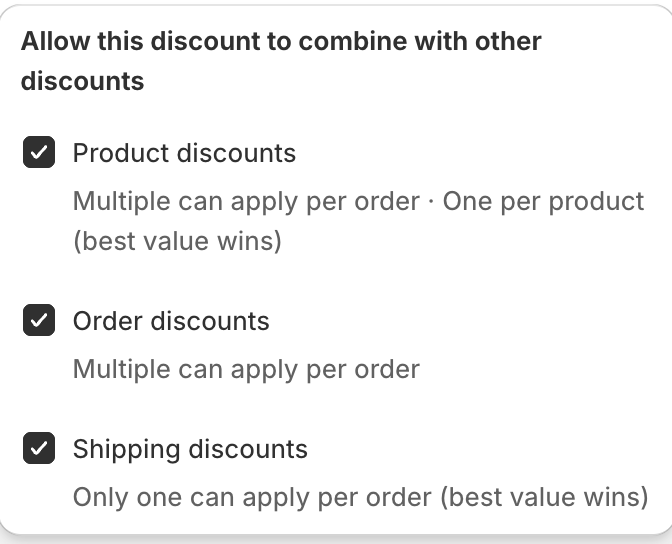
New OneCode discounts start with all three kinds ticked. If you kept that default, the setting to check is usually on the other discount.
The same rule covers two codes. A customer can enter a second code at checkout only when the codes are allowed to combine with each other.
Two product discounts on the same item
Even when both discounts allow combining, Shopify gives each item one product discount: the one that saves the most. The other one saves nothing on that item.
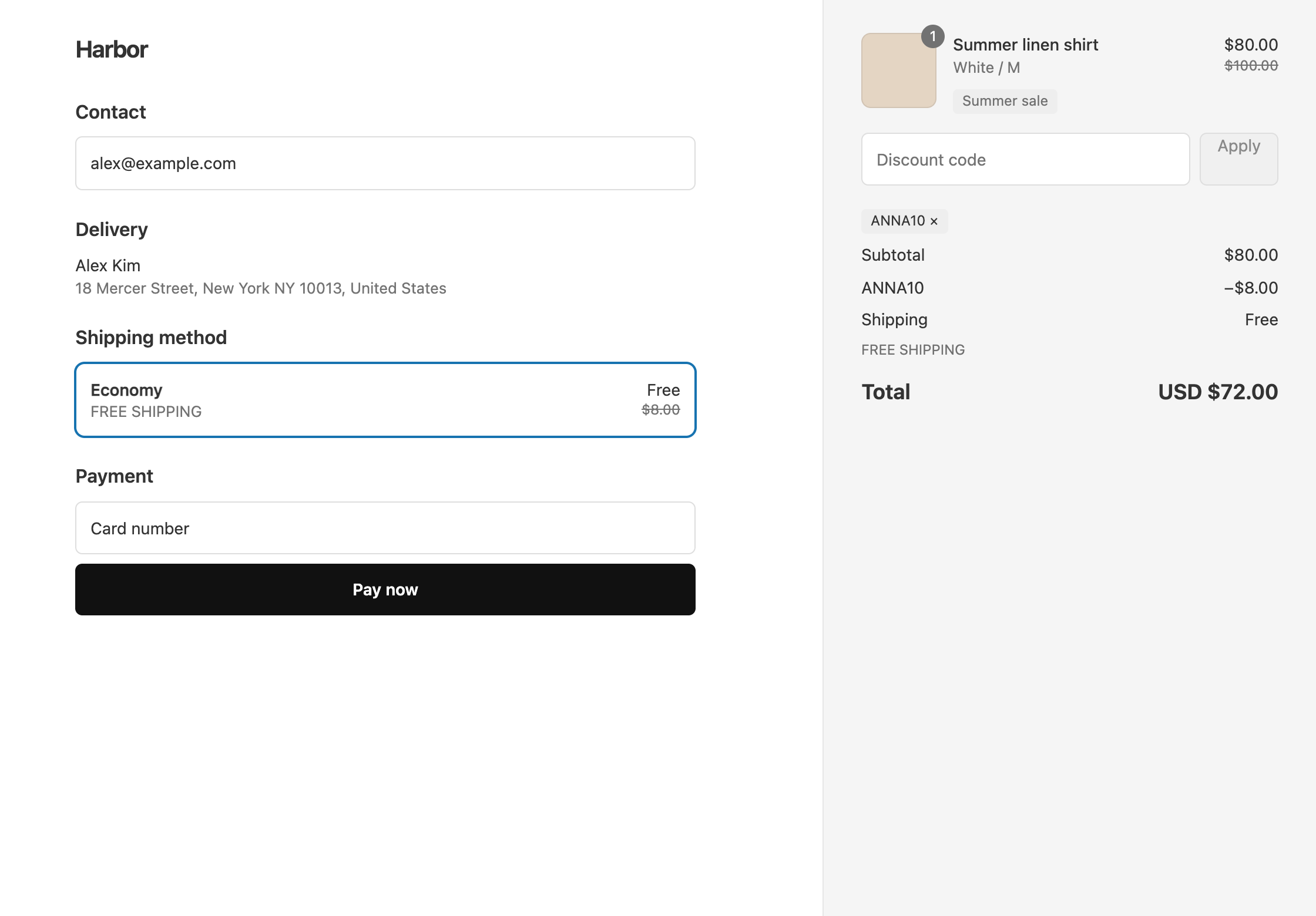
Example: you run an automatic 20% sale, and a creator shares a 10% product code. A $100 shirt drops to $80 with the sale, and the 10% code adds nothing, because the shirt already has a bigger product discount.
To make the creator’s saving add on top, set the code up as a 10% Order Discount instead. Order discounts come off after product discounts, so the $80 shirt drops another $8 to $72. Both discounts still need to allow combining with each other’s kind. See an influencer code during a sale for the full setup.
On Shopify Plus, OneCode can also let two tagged product discounts stack on the same item. See OneCode for Shopify Plus.
Two shipping discounts
Across separate discounts, Shopify applies one shipping discount per order and keeps the one that saves more. If a customer has two free shipping offers, they get free shipping once, which is the expected result.
Several offers in one OneCode discount
The discount types inside one OneCode discount do not need the Combinations settings. A product discount, an order discount, and a shipping discount in the same code always apply together when their conditions are met.
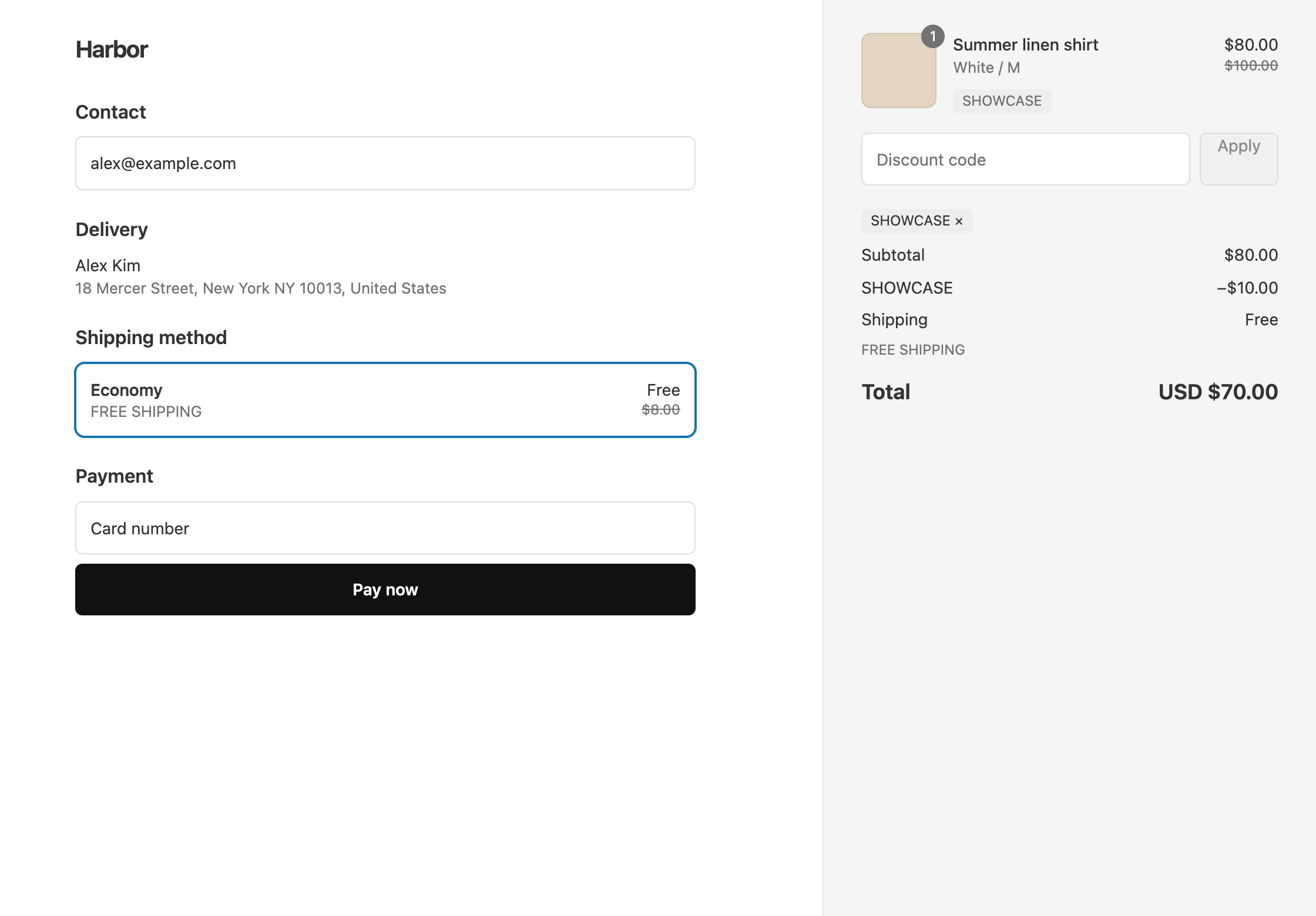
Two discount types of the same kind in one OneCode discount do not add up, and that is what makes tiers work:
- If two product discount types cover the same item, the item gets the one that saves more. A 10% tier and a 15% tier give 15%, not 25%. On a tie, the type higher in the list wins.
- If two order discount types both qualify, only the bigger one is used. With $10 off at $100 and $25 off at $200, a $200 cart gets $25 off, not $35.
If you meant two percentages to add up on the same item, put the total on one product discount type, or make one of them an order discount so it comes off afterward.
For a fuller explanation of how discounts combine, see stacking discounts on Shopify.
OneCode costs $9.90 USD every 30 days after a 7-day free trial, billed by Shopify. Install it from the Shopify App Store.