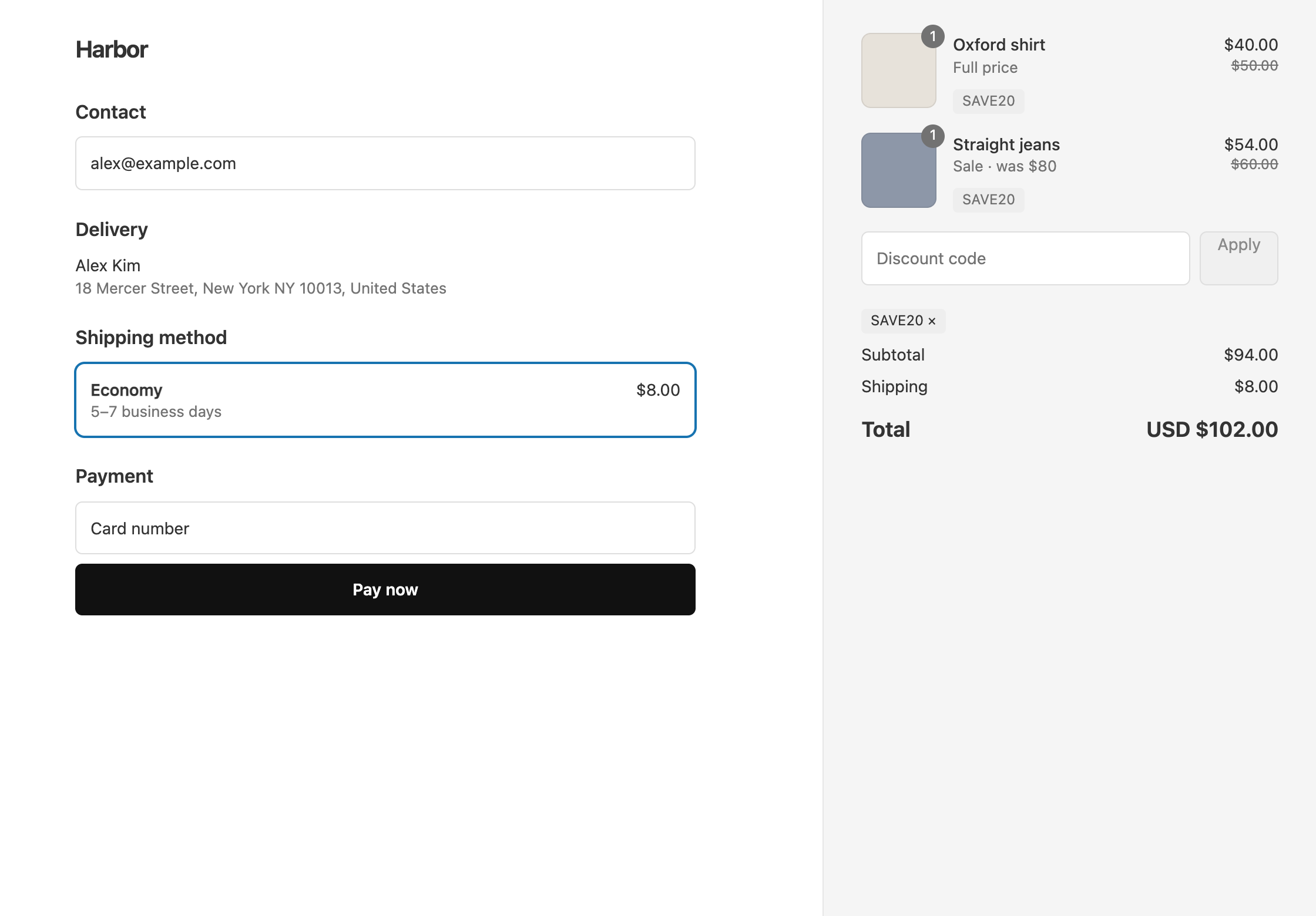
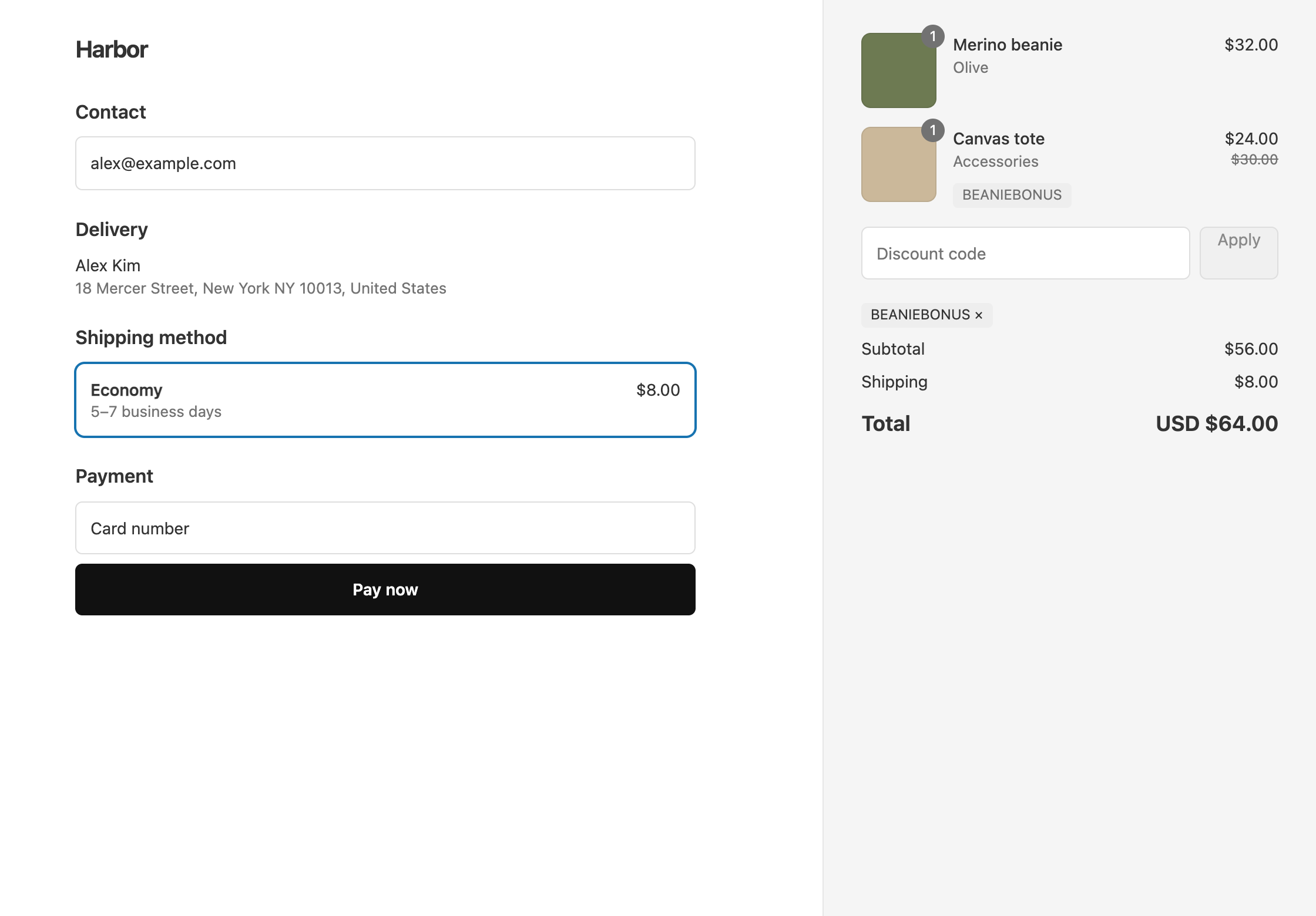
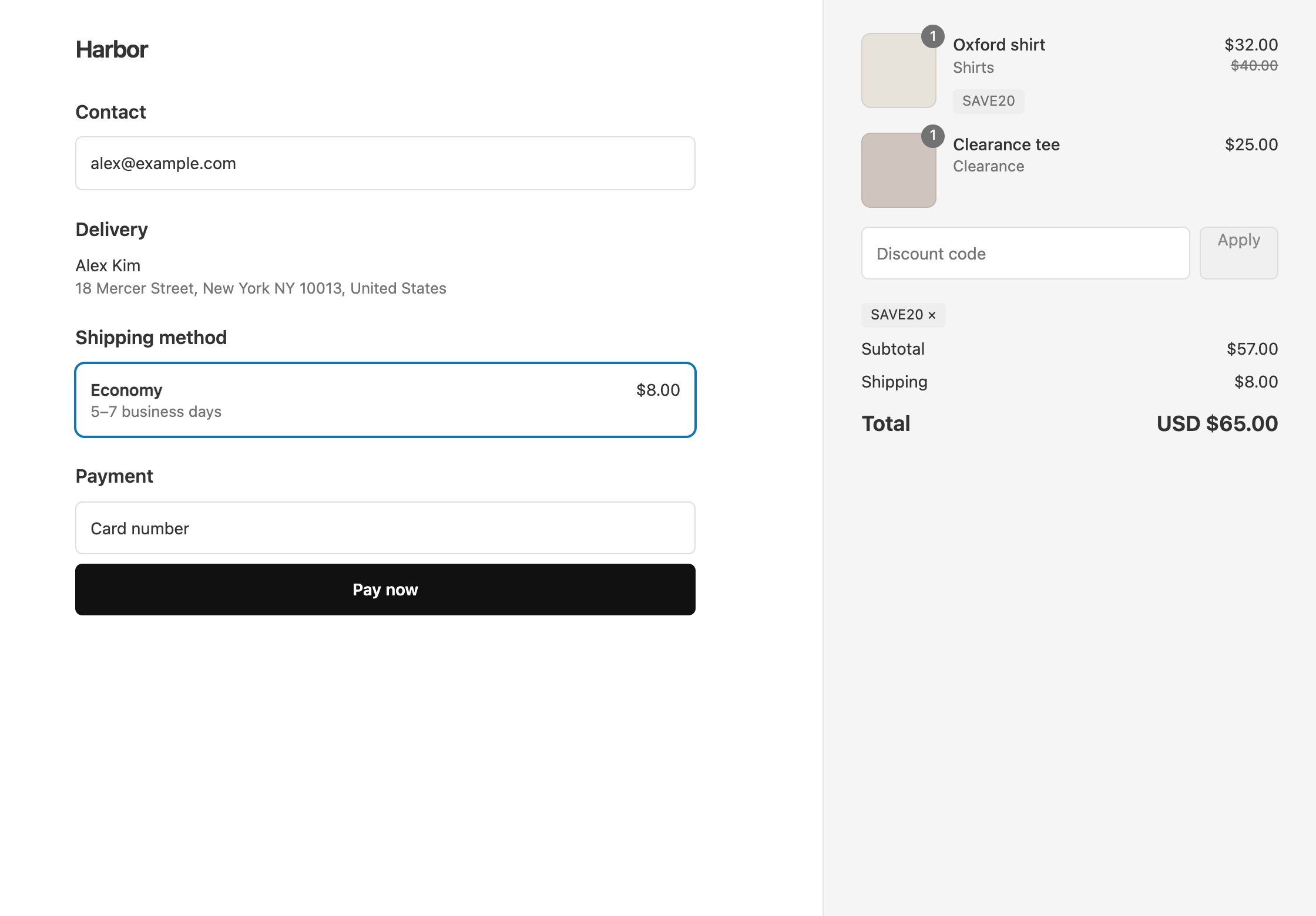
A Shopify discount has one value, so 20% off your Summer collection and 10% off Accessories would normally be two codes. With OneCode: Stackable Discounts, you add one product discount per collection to a single code, each with its own percentage. The customer enters one code, and each item gets the percentage for its collection.
Example
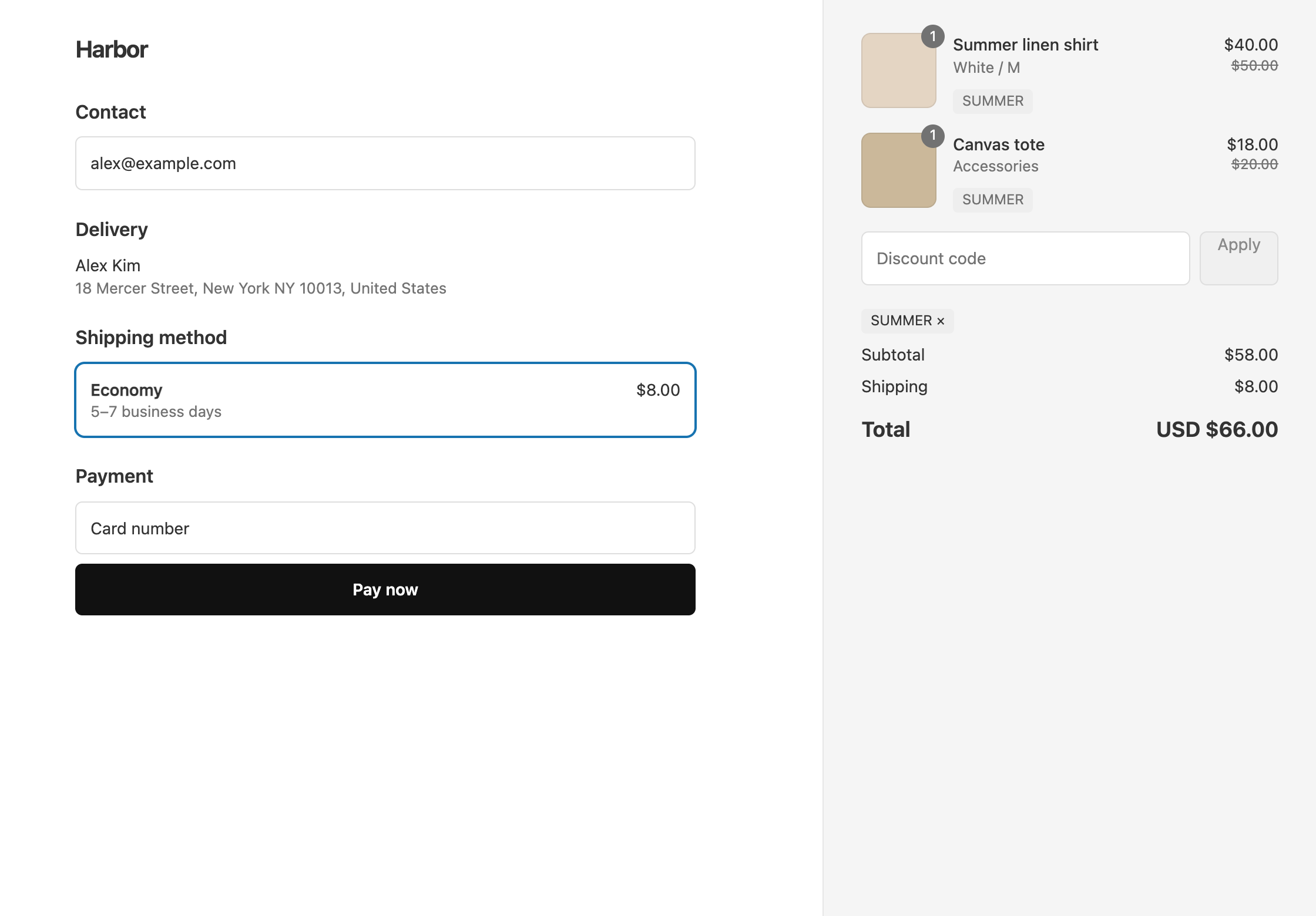
The code SUMMER gives 20% off the Summer Collection and 10% off Accessories. A customer buys a $50 shirt from Summer and a $20 tote from Accessories:
- The shirt is $10 off, so it costs $40.
- The tote is $2 off, so it costs $18.
The items come to $58, and with $8 shipping the customer pays $66.
Set it up
- In OneCode, click Create discount, choose Discount code and enter
SUMMER. - Click Add Discount Type. Leave it as a Product Discount with Percentage, and enter
20. Set Target to Specific Collections, then search or click Browse and pick the Summer Collection. - Click Add Discount Type again. Enter
10, set Target to Specific Collections and pick Accessories. - Click Save discount.
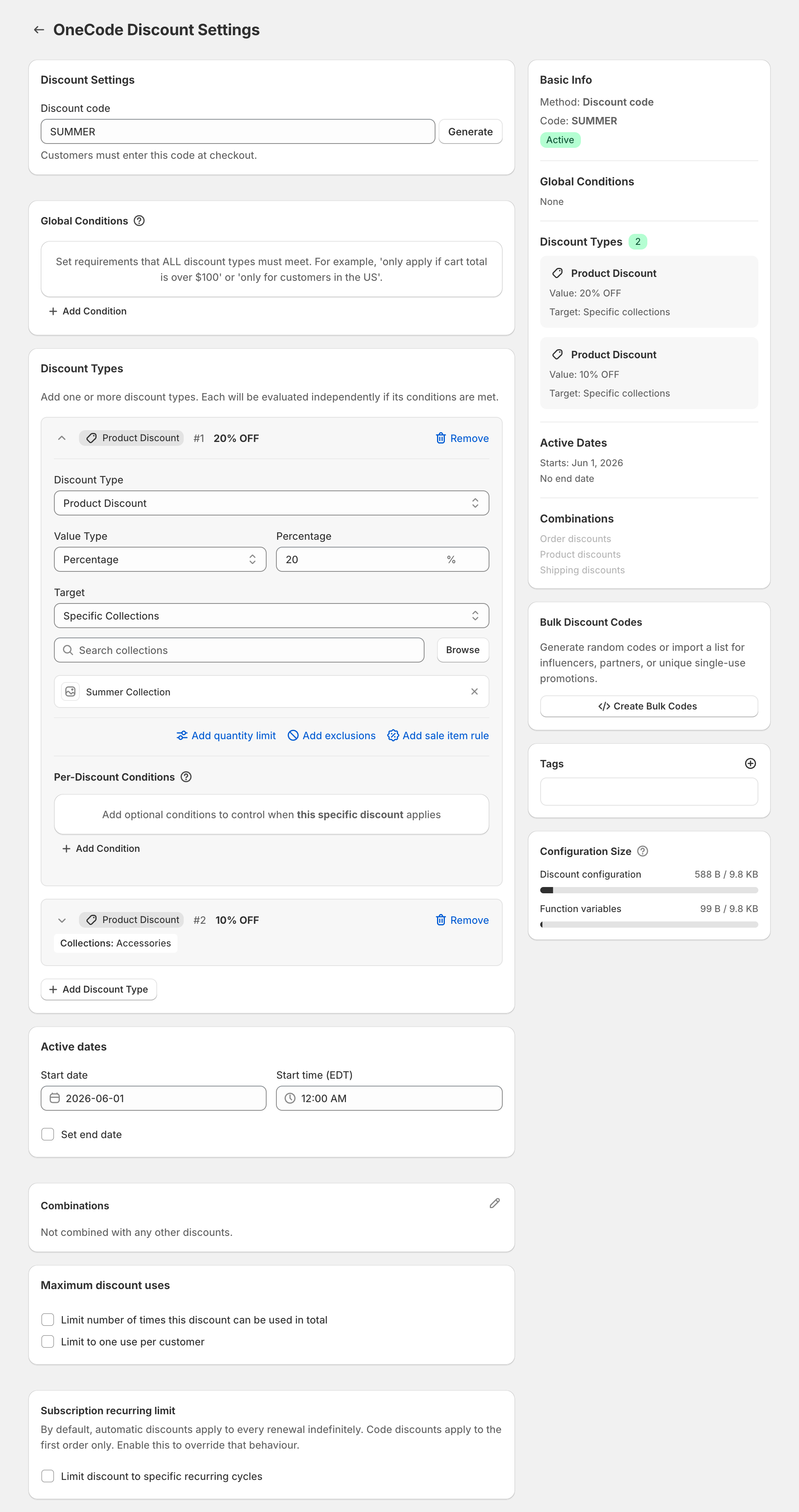
Add as many collections as you need, each as its own discount type. To give several collections the same percentage, pick them all in one discount type.
When a product is in both collections
It gets the bigger discount, not both. A shirt in Summer and Accessories gets 20% off, not 30%. Each item gets one product discount from the code: the one that saves the most.
A different percent for everything else
To give 20% off Summer and 10% off everything else, set the second discount type’s Target to All Products instead of picking Accessories. Summer items qualify for both and get the better 20%. Everything else gets 10%.
Add free shipping
Click Add Discount Type, set Discount Type to Shipping Discount and keep Free Shipping. The same code then covers both collection discounts and shipping. See 20% off and free shipping in one code.
OneCode costs $9.90 USD every 30 days after a 7-day free trial, billed by Shopify. Install it from the Shopify App Store.