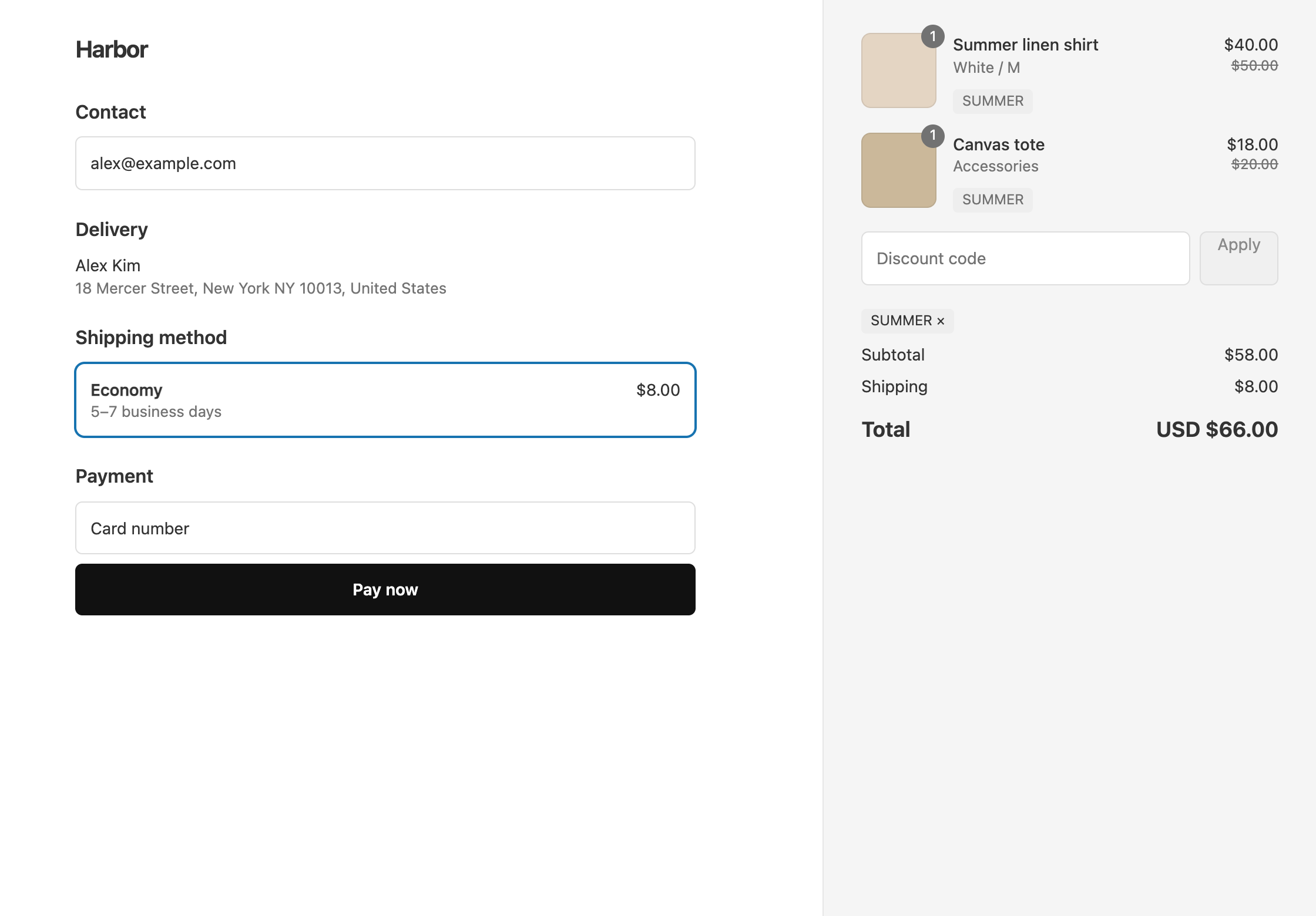
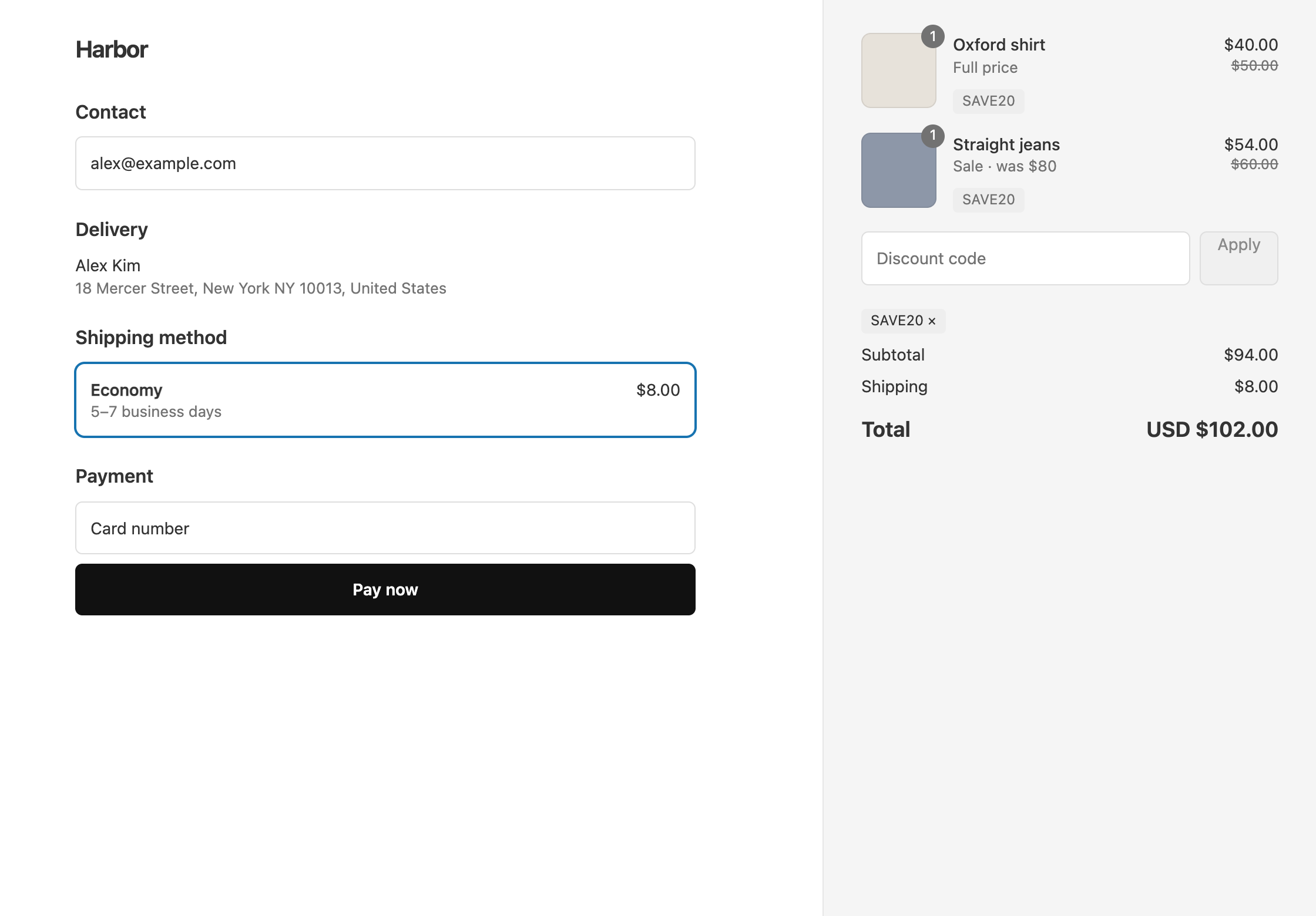
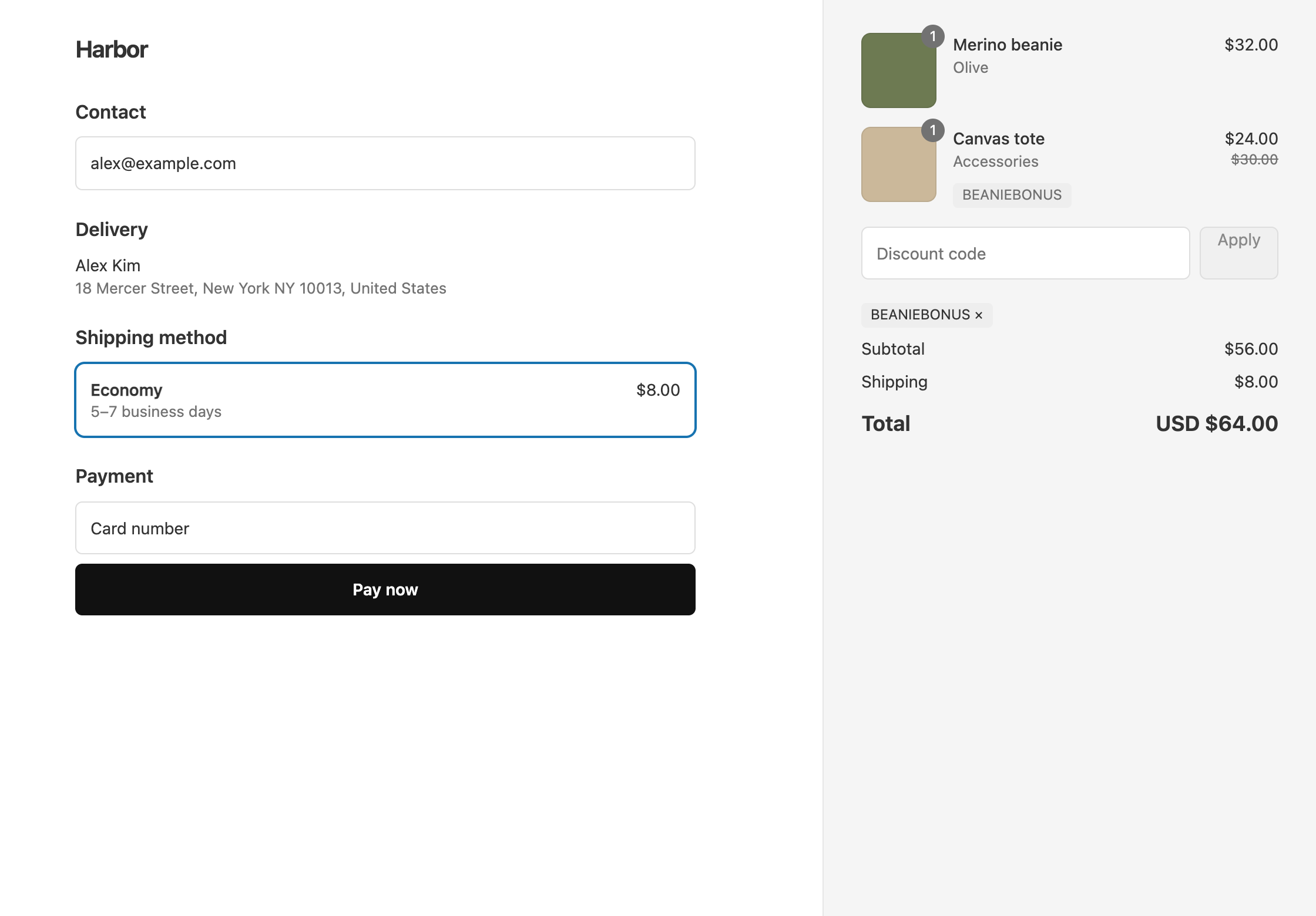
To give “20% off everything except Clearance” with OneCode: Stackable Discounts, target the collections you do want. Add one Product Discount, set Target to Specific Collections, and pick every collection except Clearance. Anything that is only in Clearance stays at full price.
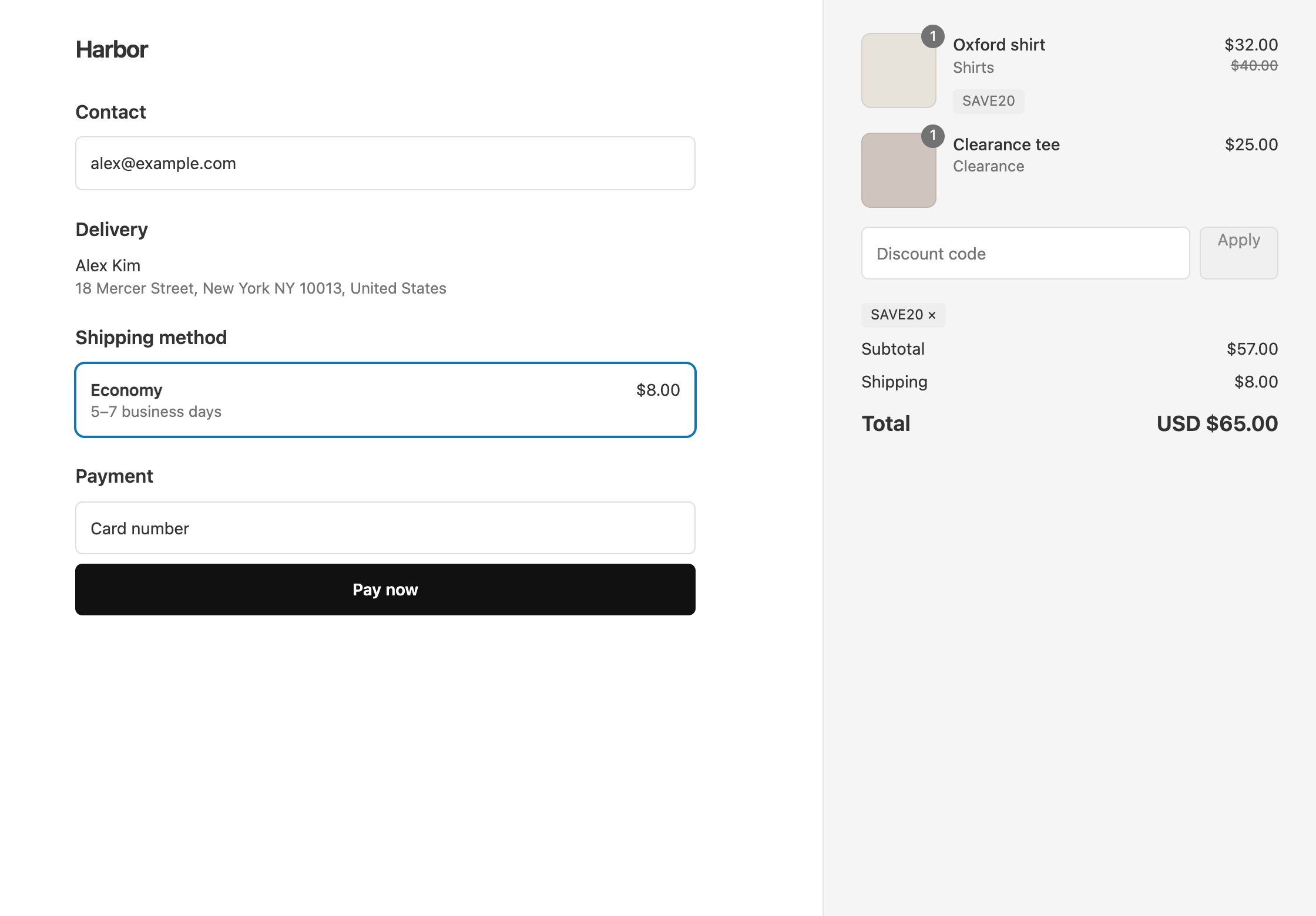
Example: the code SAVE20 gives 20% off the Shirts collection and every other collection you picked, but not Clearance. A $40 Oxford shirt from Shirts drops to $32, and a $25 tee from Clearance stays at $25.
Set it up
- In OneCode, click Create discount and enter the code
SAVE20, or choose Automatic discount and give it a Title. - Click Add Discount Type. Keep Product Discount and Percentage, and enter
20in Percentage. - Set Target to Specific Collections, click Browse, and pick every collection you want discounted. Leave Clearance out.
- Click Save discount.
Things to check before you launch
- A product that is in Clearance and also in a collection you picked still gets the discount, because it is in a picked collection. Make sure clearance products are not also in your other collections, or leave those collections out too.
- A collection you create later is not covered until you add it to the discount.
- An order discount works the same way. Click Limit to collections and pick the collections it should apply to.
Other ways to leave items out
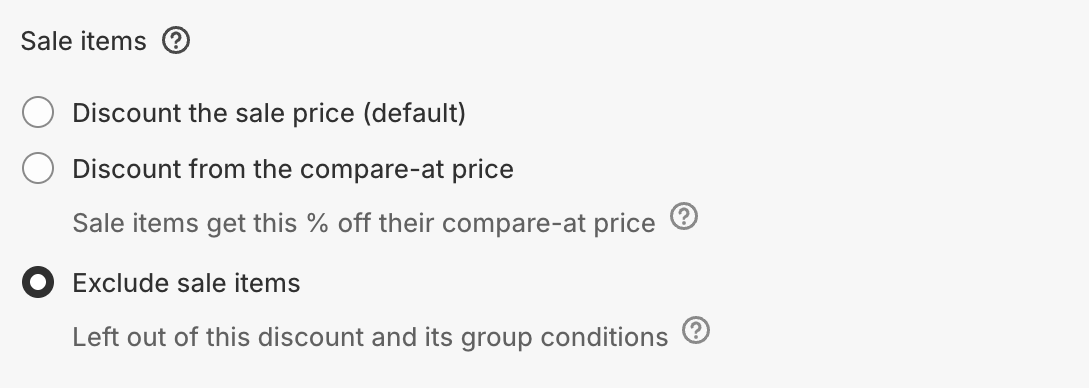
- Marked-down items. If the items you want to leave out have a compare-at price above their price, keep Target on All Products, click Add sale item rule, and choose Exclude sale items. Variants that are not marked down still get the discount, even on a product that has a marked-down variant. See discounts and sale items.
- Subscriptions. Click Add exclusions and tick Exclude subscription items. See subscription discounts.
- A few variants of one product. Set Target to Specific Products, pick the product, and choose only the variants you want discounted.
A smaller discount on the leftover collection
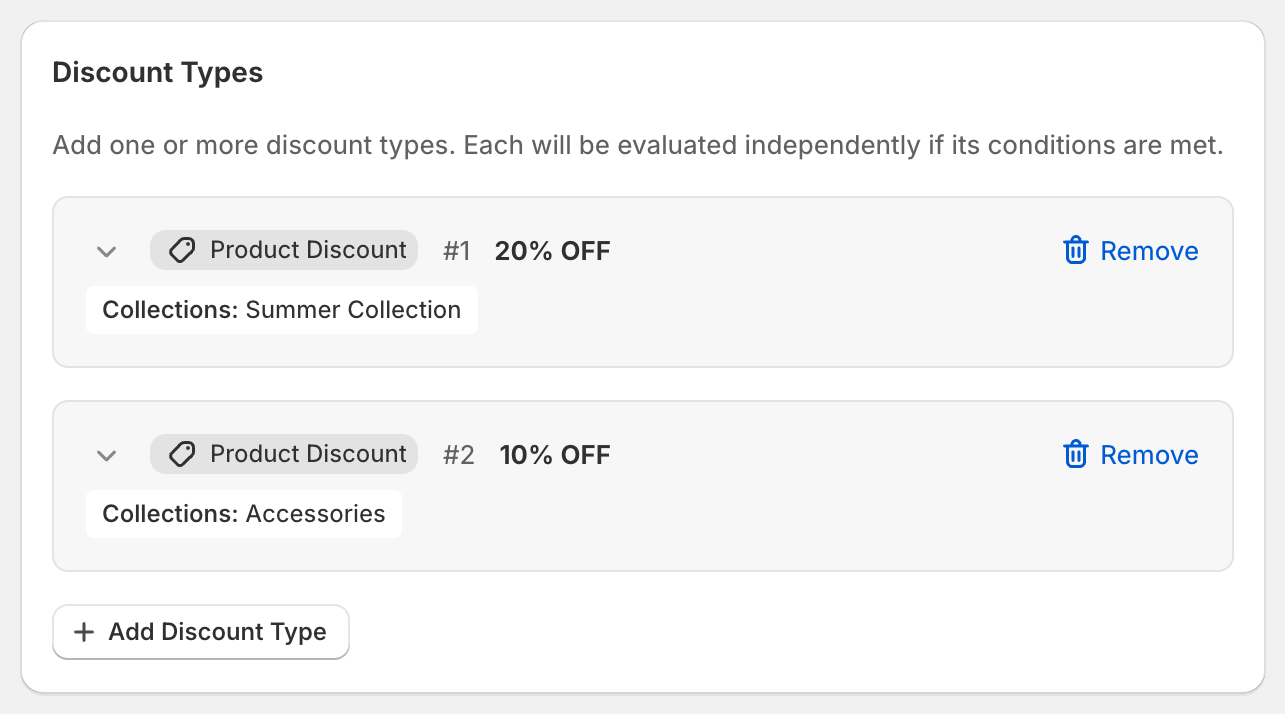
If Clearance should get a smaller saving rather than none, add a second Product Discount on the same code that targets Clearance, for example at 10%. Each item gets the product discount that saves the most, so a product in both Clearance and a 20% collection gets 20%. See a different percent per collection. The editor looks like this, with your own collections in place of Summer Collection and Accessories.
OneCode costs $9.90 USD every 30 days after a 7-day free trial, billed by Shopify. Install it from the Shopify App Store.